Series: Hub - One Agent, Many Workflows · Part 1 of 5 deep dives
Why brainstorm and personal agent need different rules
Brainstorming works best when the agent keeps options open. Personal admin works best when private details stay in a private lane. Both jobs can use the same agent interface. They should not share the same standing instructions.
Who it is for: Anyone who uses AI for open-ended thinking and for private life logistics — and wants those two postures kept separate.
What you will learn: how to separate explore mode from personal-agent mode with Customize, what to put in a handoff note, and a Path A you can run without Cursor.
This post is a work-mode deep dive. For the full Customize map, start at the series hub. For harness framing, see lightweight harness in Cursor. For "is Cursor even for me," see Is Cursor only for developers?.
When brainstorm and personal admin blur
You open a chat to explore options for a paper, a product idea, or a career move. Twenty messages later you ask it to draft an email about a dentist appointment. The agent mixes the tone. The next day, a brainstorm thread may still carry a personal constraint that was never meant for a public document.
The same blur shows up on always-on agents — hosted assistants like Hermes on my stack, or local agents like OpenClaw that keep one long memory thread across Telegram and chat apps. One personality, one memory store, many contexts. Without lane rules, work ideas, personal errands, and publishable drafts start sharing the same standing context. Cursor Customize (or equivalent rules in another harness) is how you mark which lane is active.
Chat products encourage one continuous personality. Real weeks need two postures:
| Posture | Goal | Risk if mixed |
|---|---|---|
| Brainstorm | Generate options, pressure-test assumptions, list unknowns | Premature commitment; fake certainty |
| Personal agent | Track private follow-ups, preferences, reminders | Leakage into public or commercial drafts |
Customize is how you teach the agent which posture is active.
Principle: explore freely, commit in files
The principle is simple. Exploration may be messy. Decisions that matter get written into a file you own. Personal facts stay in a personal lane with explicit privacy rules.
You already do a version of this with separate notebooks or folders. The agent version is the same habit with standing rules so you do not restate "this is exploratory" every time.
What "good" looks like in each mode
Brainstorm mode
- Ask for options, risks, and questions - not a final plan on message one.
- Require the agent to label assumptions vs facts you provided.
- End with a short capture: keep / drop / park for later.
- Do not let the agent invent sources, quotes, or "I have seen teams do X" unless you supplied evidence.
Personal agent mode
- Keep a small set of standing preferences (timezone habits, writing voice for private notes, what not to put in shareable docs).
- Prefer checklists and next actions over long essays.
- Never promote private details into blog drafts, proposals, or shared folders without an explicit ask.
- Use a dedicated handoff note so mobile captures do not vanish.
Example implementation - how I run it
I keep brainstorming and personal admin in the same Cursor interface, but I switch constraints deliberately.
For brainstorm sessions I start with a one-line mode lock: explore, list unknowns, no fake decisions. I ask the agent to write keep/drop/park into a short ideas note when we stop. I review that note later; I do not treat chat scrollback as the archive.
For personal-agent work I use a private notes area and rules that forbid copying personal details into Petralian drafts or commercial documents. On mobile I capture a follow-up in a few lines. At the desk I open that note and ask the agent to continue from Open questions. I direct the agent; I do not pretend I hand-wrote every checklist myself.
Wiring detail for Brain + multi-project memory stays in the handbook. Here the point is the mode split.
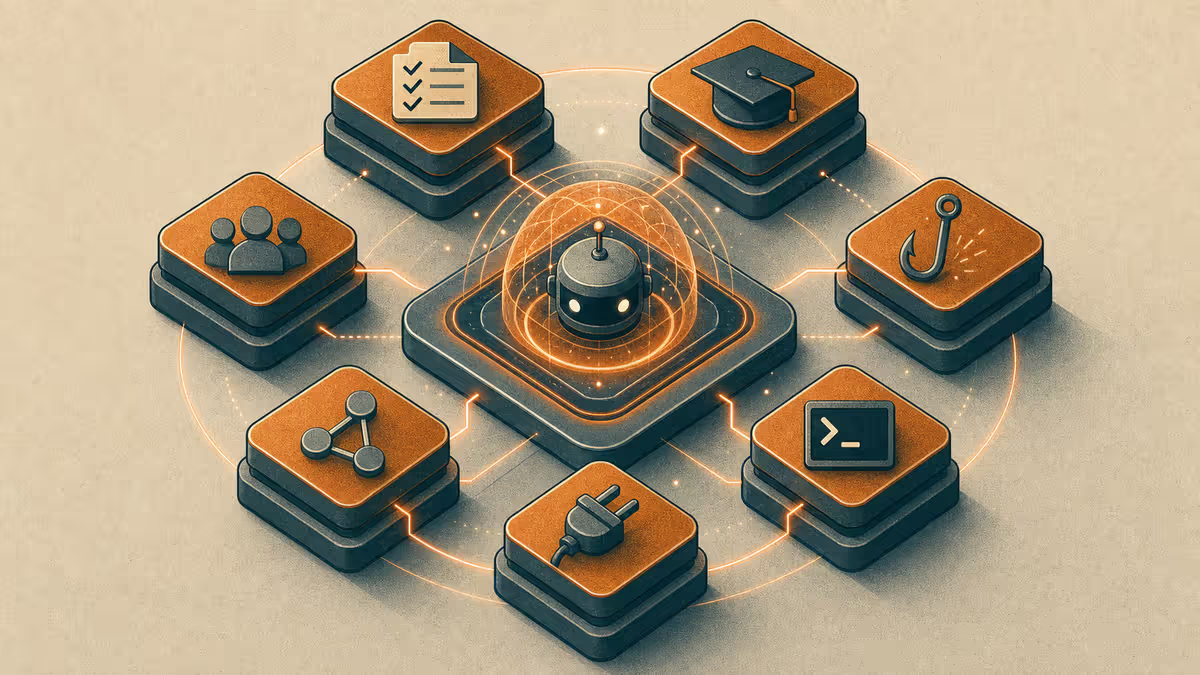
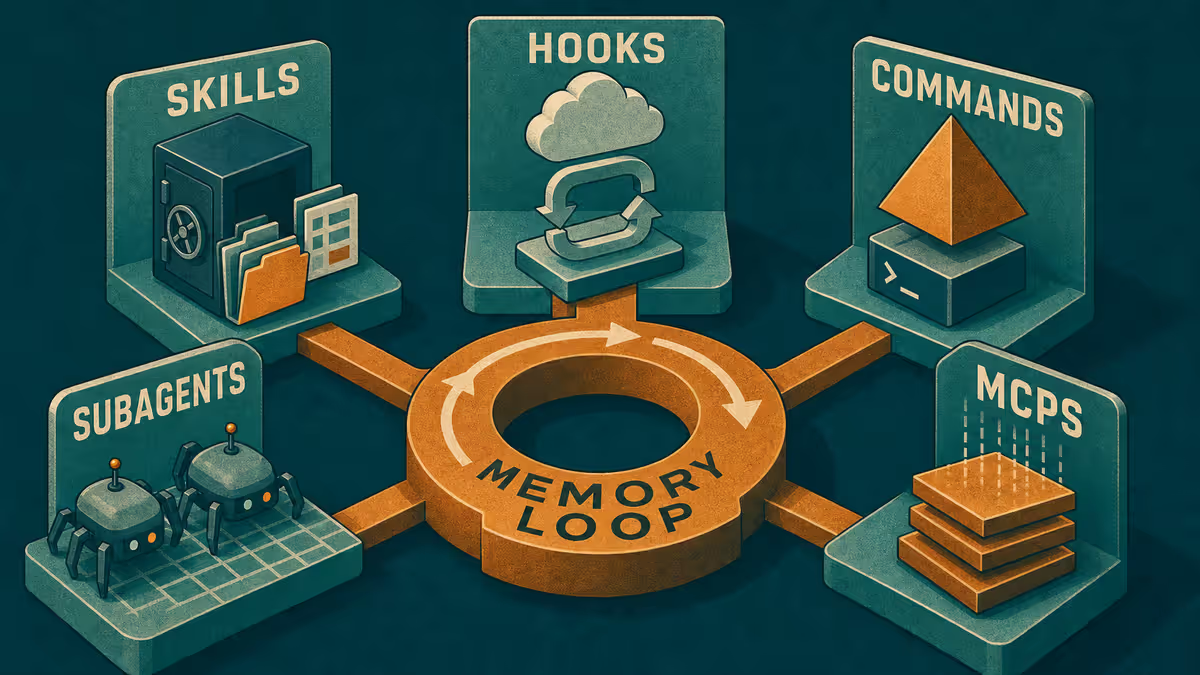
Customize levers that matter most here
You do not need every Customize layer for these two modes.
| Lever | Brainstorm use | Personal agent use |
|---|---|---|
| Rules | "Label assumptions; no invented citations." | "Private facts stay out of public drafts." |
| Skills | Optional "run brainstorm close-out." | Optional "weekly personal review." |
| Commands | "Capture keep/drop/park." | "Update personal handoff." |
| Hooks | Optional honesty checks on claims | Optional warn on publish-folder writes |
| MCPs / plugins | Usually off until a tool is required | Only if a calendar or notes bridge is intentional |
| Subagents | Rare; keep one thinking thread | Rare; keep privacy simple |
If you later add consulting or blogging modes, their rules should be stricter. See Business development SSOT and Blogging and project memory.
Mobile handoff for ideas and life admin
On the move, brainstorming is often voice-of-thought: a risk you do not want to forget, a question for later, a title that might become a draft. Personal agent work is often a reminder: send this, buy that, prep for Thursday.
Either way, close with a file update:
- One note per lane (ideas vs personal).
- Three headings: Context, Captures today, Open questions.
- At the desk: "Read the handoff and continue from Open questions."
Direct agent resume on mobile is fine for short asks. Long synthesis belongs at the desk where you can see the files.
When brainstorm should promote into SSOT
Exploration is not endless. Promote an idea into a decision file when:
- You would defend it to a collaborator without re-reading the chat
- It changes pricing, scope, buyer, or public claims
- You are about to draft outreach, a plan section, or a blog claim from it
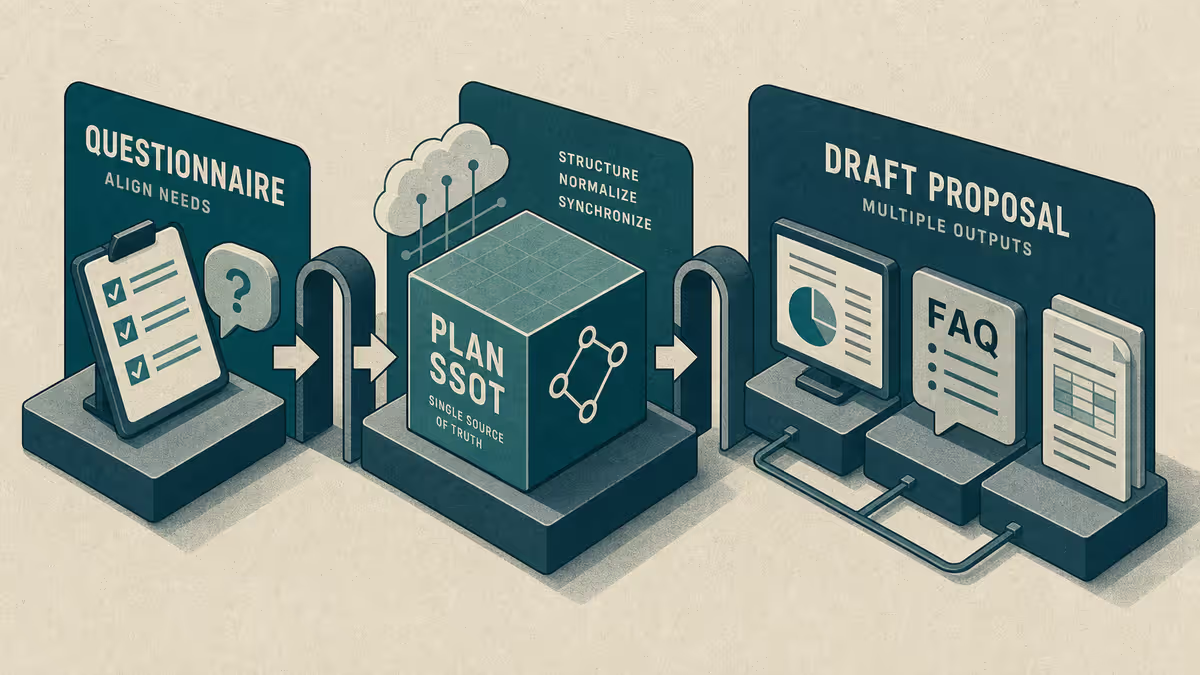
Until then, keep it in keep/drop/park. Premature promotion creates the same inconsistency problem that business development SSOT exists to fix.
Common mistakes
| Mistake | What to do instead |
|---|---|
| One mega-chat for ideas and errands | Two mode locks; two handoff notes |
| Treating AI enthusiasm as research | Mark assumptions; schedule real reading |
| Personal preferences in a shared draft | Personal lane rules; scrub before publish |
| No close-out because "I will remember" | Three-minute handoff update every time |
Who benefits in practice
Separate lanes help whenever exploration and private logistics share the same tool: ideas stay exploratory, personal follow-ups stay private, and public drafts stay clean. The lane split is the product — not the brand of IDE.
Path A - any chat tool this afternoon
- Create two notes:
Brainstorm handoffandPersonal handoff. - Paste this starter into your next idea chat: "This is explore mode. List options, risks, and unknowns. Do not treat ideas as decisions. End with keep / drop / park."
- Paste this starter into your next life-admin chat: "This is personal agent mode. Give next actions only. Do not use these details in any document meant for publishing or clients."
- After each chat, update the matching handoff note in under three minutes.
If the two lanes stay clean for a week, move the starters into Cursor rules or commands so you stop pasting them.
Limitations
Mode locks are habits. If you ignore them, Customize will not save you. Over-automating personal data into shared tools creates privacy risk. Brainstorm notes are not research citations - treat them as prompts for real reading.
Reader action
Run Path A once today. Tomorrow, open only the handoff notes - not yesterday's chat - and see whether you can continue in under a minute. Then return to the series hub for the next mode that still hurts.
Weekly email with new posts on enterprise AI and how teams ship it.
One email per week. Unsubscribe anytime.