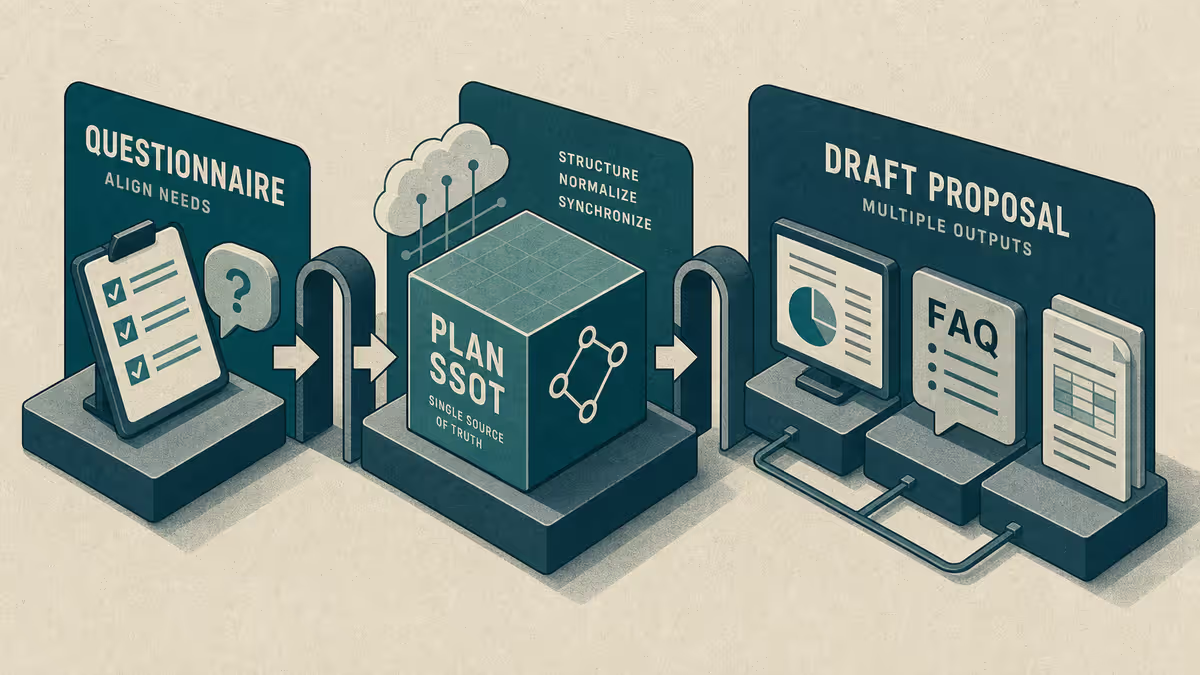
Series: Hub - One Agent, Many Workflows · Part 3 of 5 deep dives
Why writing and project memory need different gates
Blog drafts drift when the agent changes your voice, invents SEO fields, or writes into the live publish folder. Project work drifts when yesterday's decisions live only in a finished chat. Both are memory problems. Customize is how you attach the right constraints to each job.
Who it is for: Anyone who publishes writing with AI help and anyone who needs session continuity across days — without re-briefing every Monday.
What you will learn: voice and folder gates for blogging, Bridge/session memory for project continuity, and a Path A that works in any chat tool.
Series map: hub. Cursor positioning: Is Cursor only for developers?. Deep Brain wiring: handbook.
Two jobs, one interface
| Job | Success looks like | Without these gates |
|---|---|---|
| Blogging | Draft matches voice; publish only when you move folders | Live site polluted; SEO sludge; third-person "author" voice |
| Project memory | Next session opens with goal, decisions, next steps | Re-explaining the initiative every Monday |
You can run both in Cursor. You should not use the same rule set for both without thinking.
Blogging mode: voice, gates, and teaching intent
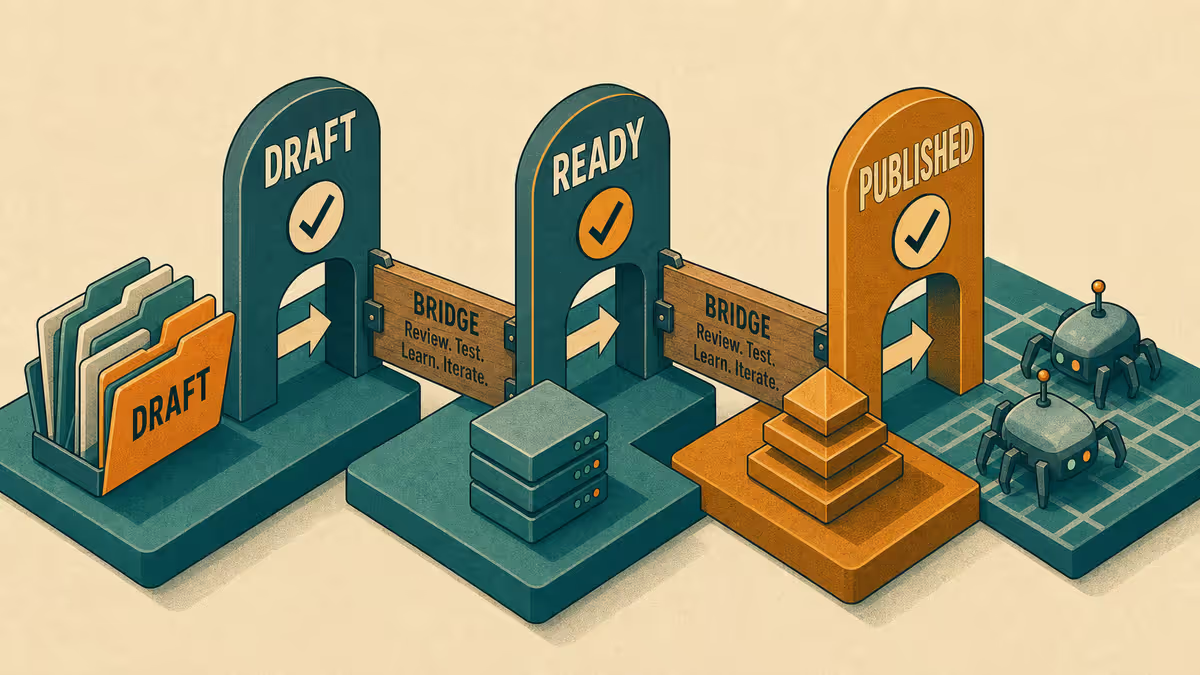
On Petralian (my personal site), drafts live in an Obsidian drafts folder until I deliberately promote them. Folder placement is the publish gate. The agent should never treat the live content pipeline as a scratch pad.
Standing instructions that matter:
- First person I/my for my setup; no third-person author name in body copy.
- Teach first; at most one deep implementation block unless it is a Playbook piece.
- Required frontmatter fields stay complete; inventing fields is worse than leaving a note for me.
- Link related teaching posts instead of re-explaining them.
The point of Customize here is editorial governance, not clever autocomplete. If you publish elsewhere (Substack, Notion, Google Docs), the principle is the same: one draft home, one promotion step, rules that protect voice.
Project memory mode: Bridge and session notes
Project memory is the habit of writing what the next session needs before you leave.
A lightweight Bridge (handoff) note usually holds:
- Current goal
- Decisions locked
- Open questions / risks
- Next concrete action
Session notes capture what changed today. Summaries capture what a stranger (or future you) needs in one screen. The names can differ in your tools. The job cannot: intent that survives chat.
This is the same continuity idea as external memory for AI sessions - files you own, not hope. For layered memory design, see the External Memory series hub when you want depth. This post stays on Customize for blogging + PM modes.
Example implementation - how I run it
For Petralian blogging I load writing rules and a writing skill so the agent follows voice, frontmatter order, and draft-folder discipline. I review drafts myself before anything moves toward publish. I direct structure and accept edits; I do not pretend every sentence was typed by hand.
For project memory I keep a Bridge-style note and session logs so the next Cursor session can read goal and next steps without a monologue from me. Hooks and footers help catch process misses; they do not replace the human close-out habit. Details on Brain sync and hooks belong in the handbook and the skills / hooks deep dive.
Customize levers that matter here
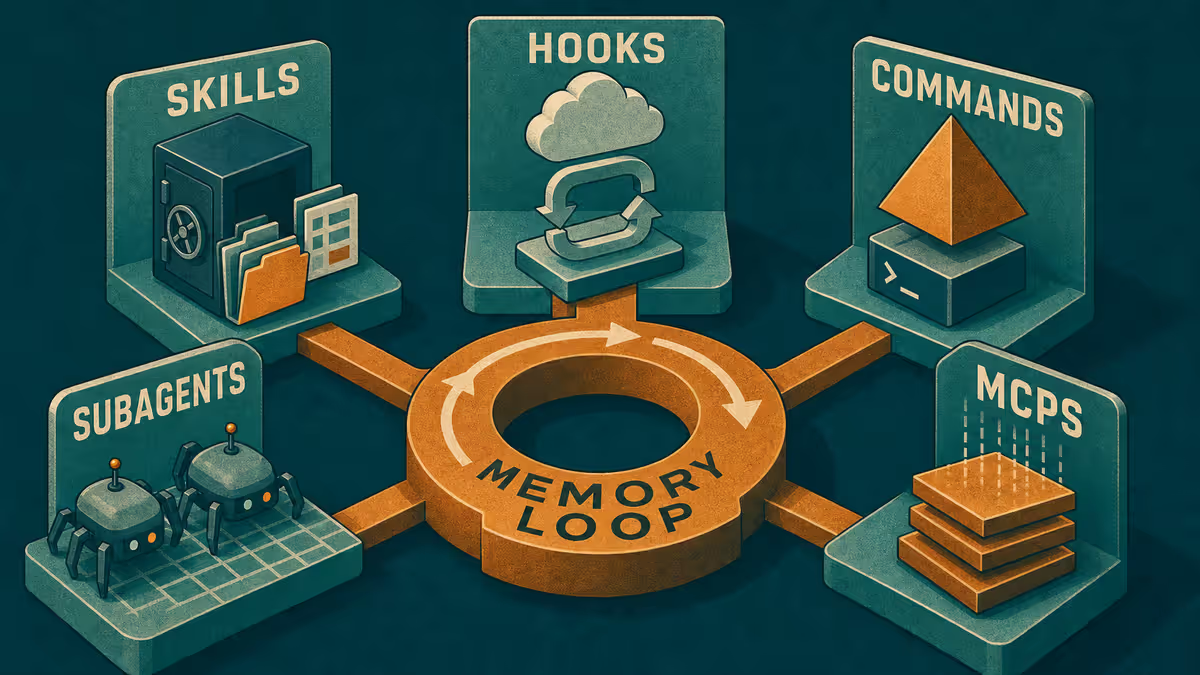
| Lever | Blogging | Project memory |
|---|---|---|
| Rules | Voice, folder gates, link-don't-duplicate | Read Bridge first; update on close |
| Skills | Writing session checklist | Session start / end recipes |
| Commands | "Pre-handoff frontmatter check" | "Append session close-out" |
| Hooks | Warn on live-pipeline writes | Warn if session footer / close missing |
| Subagents | Vault draft while another task runs elsewhere | Rare; keep the Bridge single-threaded |
| MCPs | Optional notes bridge | Optional; native file reads often enough |
Mobile: capture for drafts, deepen at the desk
On mobile I capture titles, outlines, and "fix this claim" notes into an ideas or draft stub. I do not try to finish a full teaching article on a phone screen. At the desk I open the stub, load blogging rules, and deepen.
For project memory, mobile is perfect for a two-line Bridge update after a meeting: decision, owner, next step. The next desktop session starts there.
What to put in a writing skill (without turning it into a handbook)
A writing skill should answer operational questions:
- Where drafts live before publish
- Voice constraints (person, tone, what not to invent)
- Frontmatter or metadata checklist
- Which existing posts to link instead of re-teaching
- How to end: open questions for the human editor
If the skill tries to teach your entire editorial philosophy, it will be skipped. Keep philosophy in published teaching posts. Keep the skill short enough to run.
Bridge anti-patterns
| Anti-pattern | Better habit |
|---|---|
| Bridge becomes a diary novel | Four headings only; link out for depth |
| Session notes never summarized | Weekly one-screen summary for future you |
| Agent updates Bridge with fiction | You approve decisions; agent drafts the close-out |
| Mobile captures never promoted | Desk session starts by filing captures into Bridge or draft stubs |
Project memory erodes quietly. You notice only when Monday costs an hour of re-briefing.
How blogging and PM reinforce each other
A blog cluster is a multi-week project. Without Bridge-style memory, you re-argue titles, related posts, and "what we already covered" every session. With it, the agent can be told: read the hub outline and related_posts list before drafting the next satellite.
That is why this post pairs the two modes. Publishing is not only prose quality. It is continuity of editorial decisions across days — the same continuity any multi-week initiative needs.
When you are on mobile, capture the editorial decision ("link handbook, do not re-teach Brain sync"). At the desk, the blogging skill turns that capture into a constrained drafting session. The Bridge records that the decision is locked so the next satellite does not reopen it.
Path A - any chat tool this afternoon
- Create
Draft home(one folder or doc) andBridge(one short note). - Paste into your writing chat: "Match my voice samples. Do not publish. Leave a checklist of missing frontmatter or structure instead of inventing."
- Paste into your project chat: "Read Bridge first. End by updating Goal / Decisions / Next."
- After one writing session and one project session, confirm both files changed and the chat is optional history.
Limitations
Rules cannot taste. You still read drafts. Bridge notes go stale if you skip close-out. Publishing platforms differ; adapt folder gates to your CMS. Do not put confidential client names into public blog drafts - patterns only.
Reader action
Promote one rule for voice and one rule for Bridge close-out. Run Path A once. Then continue to local develop and GitHub or the orchestration deep dive.
Weekly email with new posts on enterprise AI and how teams ship it.
One email per week. Unsubscribe anytime.