Series: Hub - One Agent, Many Workflows · Part 5 of 5 deep dives
Wiring companion: Cursor + Obsidian Brain handbook
What this deep dive is for
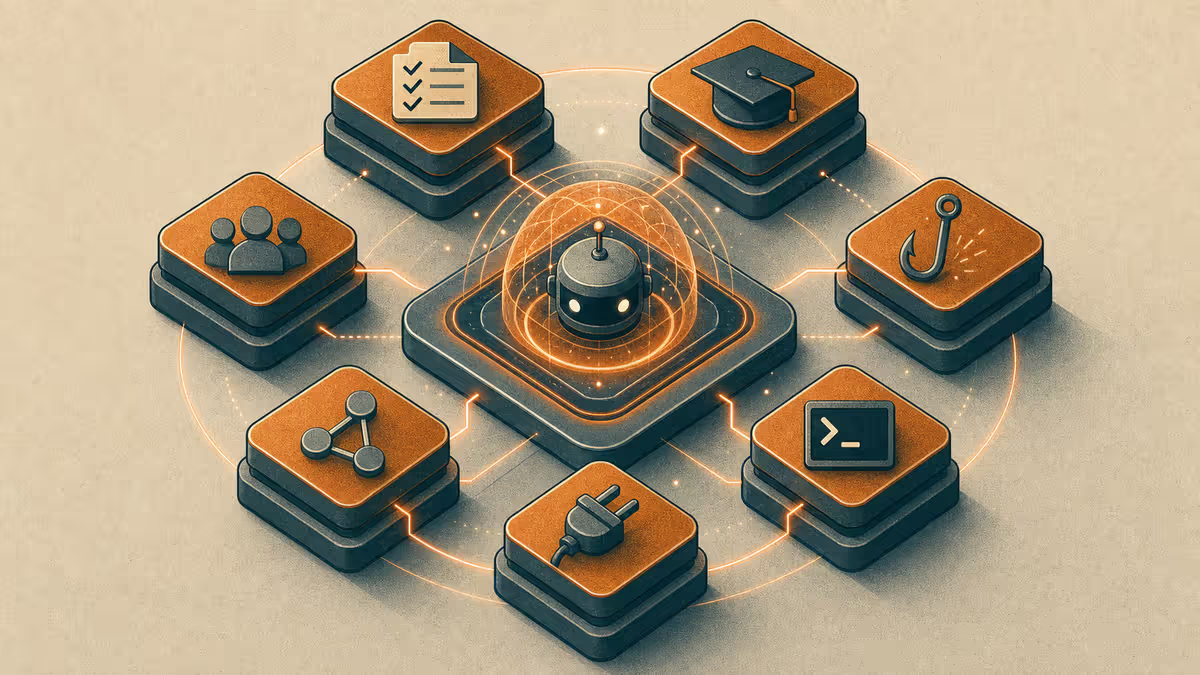
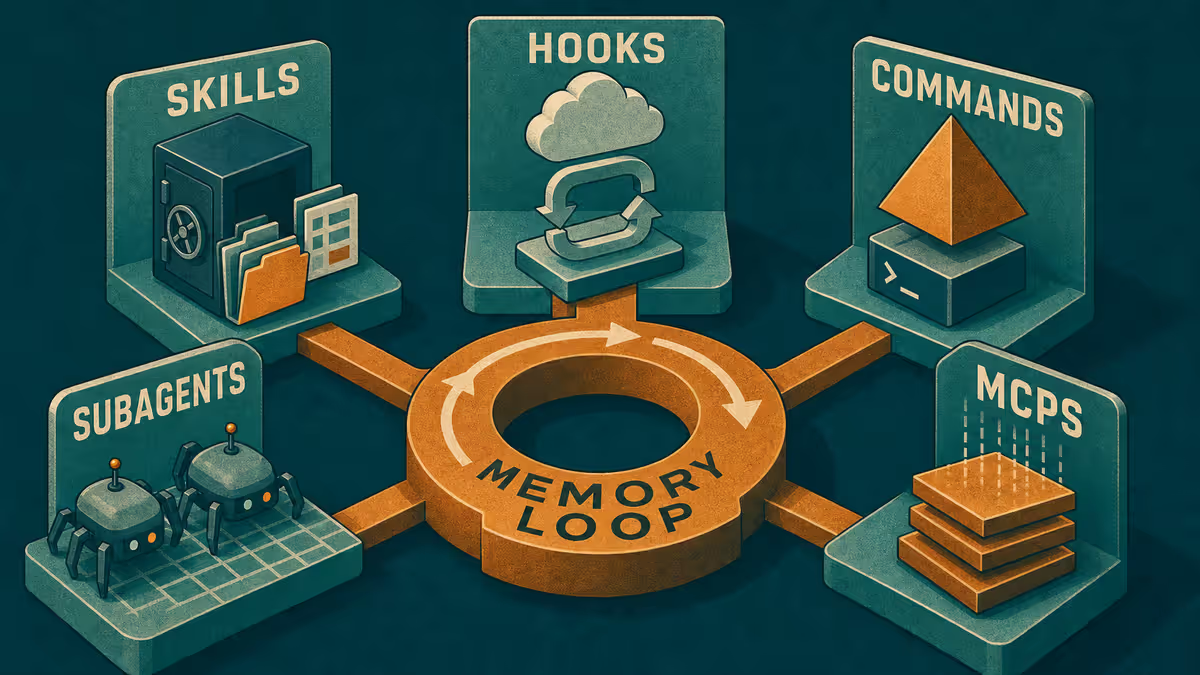
Earlier parts of this series map work modes. This part maps the harness that makes modes stick: skills, hooks, commands, subagents, MCPs, and the Obsidian loop that carries memory between phone and desk. Customize is where lightweight agent harness design meets daily habit — see also harness memory loop.
Who it is for: Anyone ready to go one level deeper than "use rules," without needing a full multi-repo Brain rebuild on day one.
What you will learn: plain jobs for each Customize layer, how orchestration should follow independence of tasks, how Obsidian (or any notes app) closes the loop, and a Path A you can start in any chat tool.
If you still need the week map, return to the hub. If you need Brain sync and workspace layout, use the handbook. This post does not replace either.
Principle: automation serves memory, not the reverse
Customize layers are easy to collect and hard to justify. The test is simple: does this layer reduce re-explaining, prevent a repeated mistake, or speed a job you already do weekly? If not, leave it off.
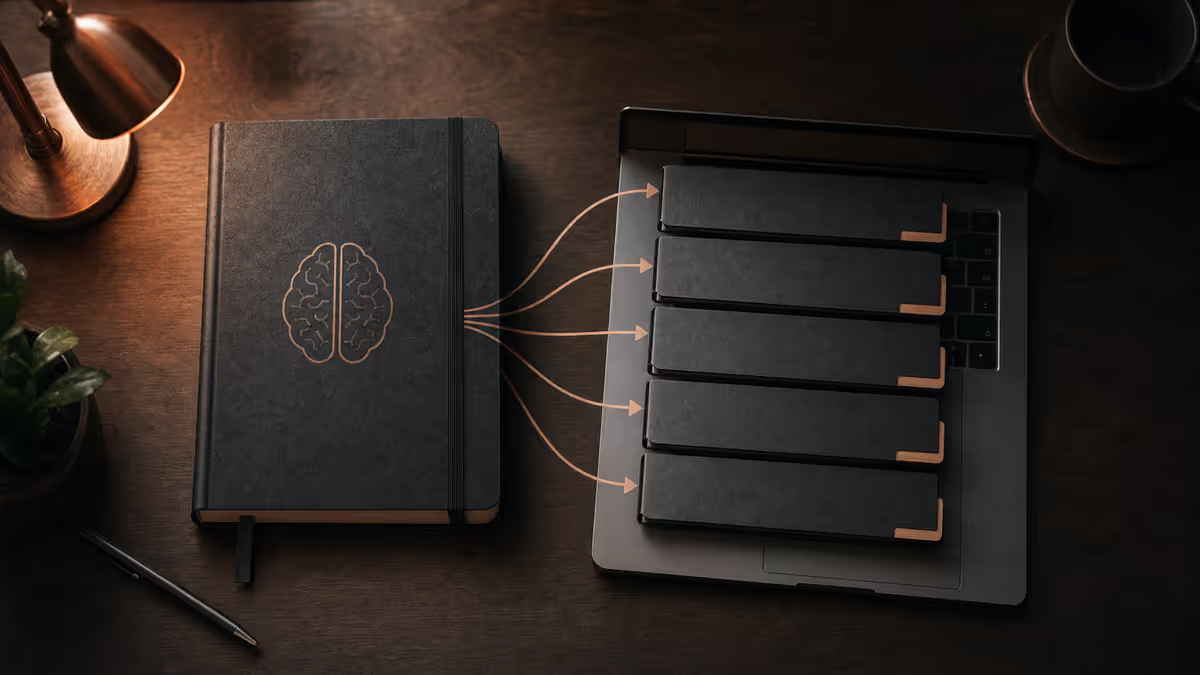
Memory lives in files you can open without the vendor. Chat is temporary. Hooks and skills are how you make the file habit harder to skip.
Customize layers by job (quick reference)
| Layer | Job | Turn it on when |
|---|---|---|
| Rules | Standing constraints | The same instruction appears every session |
| Skills | Packaged procedures | A checklist is long enough to mistype |
| Commands | Short invokable recipes | You want one-shot actions without a novel prompt |
| Hooks | Automatic checks around turns | You miss the same process step when tired |
| Plugins | IDE capabilities | A native feature is missing for your mode |
| MCPs | Bridges to external systems | A connected app is required and native files are not enough |
| Subagents | Parallel specialists | Two deliverables are independent and can run together |
Mode-specific applications live in the earlier satellites: brainstorm / personal, BD SSOT, blogging / PM, shipping.
Skills and commands: stop re-pasting rituals
Skills hold the long version of a recurring job (writing session, publish prep, session close). Commands hold the short version you can invoke by name. Together they reduce prompt rot: the ritual lives in a file, not in your memory of last Tuesday's phrasing.
Good skill content is procedural and boring on purpose: inputs, steps, done checks. Bad skill content is a second blog post of philosophy. Keep philosophy in teaching articles; keep skills executable.
Hooks: catch process misses, do not invent policy
Hooks run around agent activity. Use them to notice when a required close-out is missing, when a draft might be headed to the wrong folder, or when a response shape violates a contract you care about.
Hooks are poor places to hide strategy. Strategy belongs in SSOT files and human decisions. Hooks belong to mechanical reminders.
Subagents and orchestration: independence is the trigger
Orchestration is not "more agents look impressive." The useful rule: when a request has two or more independent deliverables, split them. Vault draft plus unrelated script fix can run in parallel. "Fix then verify the same file" cannot.
Accountability stays with you. Parallel specialists still need a human merge of judgment. For shipping accountability, see local develop and GitHub.
MCPs and plugins: bridges with a cost
MCPs connect agents to external systems. Plugins extend the IDE. Both add power and surface area. Prefer native file reads for notes you already store locally. Add a bridge when the system of record is truly elsewhere and the mode needs it.
The handbook covers when MCP is optional versus necessary for Brain-style setups. Here the teaching line is enough: bridge on purpose.
The Obsidian memory loop
Obsidian (or any durable notes system) is where week modes meet. A practical loop:
- Capture - mobile or quick desk note (idea, decision, blocker).
- Orient - Bridge / session note states goal and next action.
- Act - Cursor session reads those files under the right mode rules.
- Close - update Bridge; append what changed; leave open questions.
- Resume - next session starts from files, not from scrollback.
This is the same continuity idea as external memory for AI - inspectable files beat product amnesia. For the layered series treatment, see External Memory series.
Mobile ↔ desktop handoff (deep)
What mobile is good for
- Capturing ideas and decisions while they are fresh
- Short clarifying asks against an existing thread
- Updating a Bridge with two lines after a meeting
- Continuing advisory conversation when you cannot see a full diff
What desktop is for
- File-heavy editing and review
- Mode switches that load rules and skills
- Shipping decisions and publish gates
- Parallel subagent work you can supervise
Two handoff paths
| Path | How it works | Best when |
|---|---|---|
| Notes / ideas first | Write the capture; desk session reads it | You change devices or pause for hours |
| Agent resume | Continue the same agent context | Short interruption; thread still relevant |
Neither path replaces the other. Notes survive tool changes. Agent resume is faster for a ten-minute gap. I use both: phone capture into Obsidian, desk deepen with Cursor, optional agent continue when the thread is still warm.
Example implementation - how I run it
I keep skills for recurring Petralian writing and session habits, hooks for process checks after agent turns, and subagent routing when a request truly has independent outputs. Obsidian holds Bridge and session memory so mobile captures and desk sessions share one loop. MCPs stay optional for notes I can read as local files. I direct agents and review outputs; Customize is scaffolding for that review culture, not a claim of hand-coded automation.
Full Brain multi-project wiring remains in the handbook.
A minimal Customize starter kit
If you are overwhelmed by the full panel, start with four artifacts only:
- One mode rule file (or one rule block) for your most painful mode this week
- One skill that encodes a checklist you already re-paste
- One command that updates Bridge / close-out
- One Capture + Bridge pair in Obsidian (or any notes app)
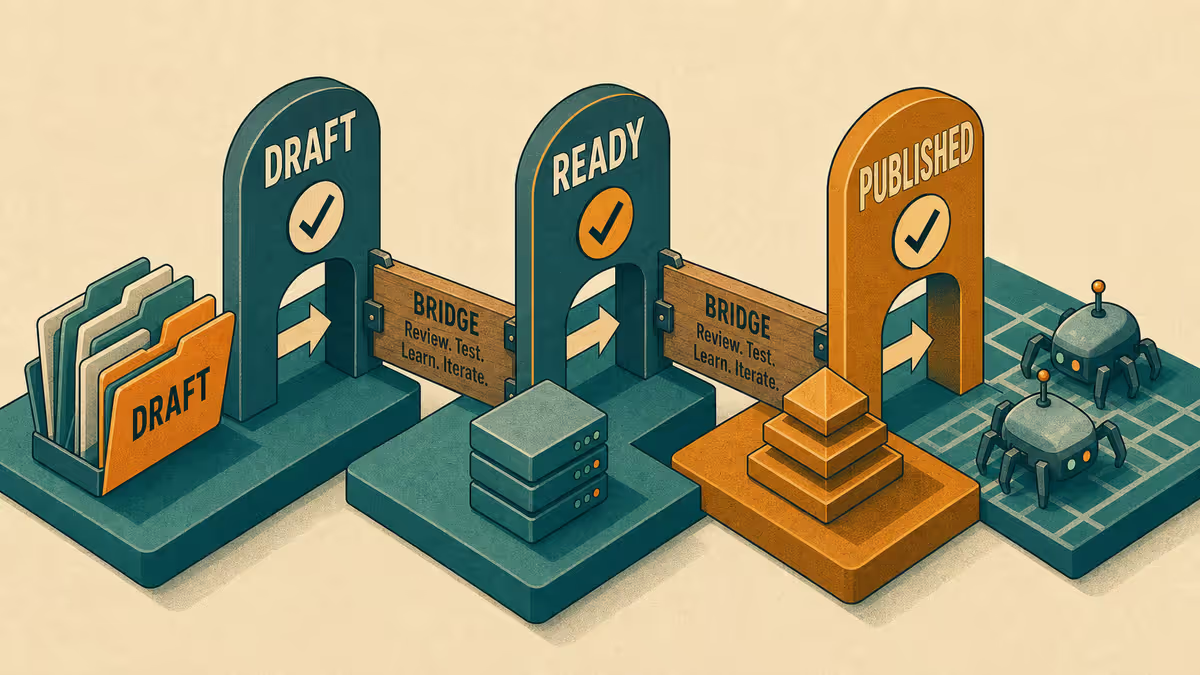
Add hooks after you miss the same close-out twice. Add MCPs when native file reads are not enough. Add subagents after you repeatedly serialize independent jobs.
How this ties back to work modes
| Mode | First Customize investment |
|---|---|
| Brainstorm / personal | Mode-lock rules + two handoff notes |
| BD / consulting | SSOT questionnaire rule: no invented answers |
| Blogging / PM | Voice + folder gates; Bridge close-out skill |
| Shipping | Scope + ask-before-push; diff review habit |
| Cross-cutting | Skills/hooks/subagents only after repetition |
The hub keeps the week map. This post keeps the machine honest.
Path A - any chat tool this afternoon
- Create three notes:
Capture,Bridge,Close-out template(Goal / Decisions / Next). - From your phone or a quick tab, add one capture.
- At your next focused block, paste: "Read Capture and Bridge. Do the next action only. End by updating Bridge using the close-out template."
- Tomorrow, start from Bridge alone. If you can continue in under a minute, the loop works. Then move rituals into Cursor skills/commands if you use Cursor.
Limitations
Too many hooks create alert fatigue. Too many MCPs add fragile dependencies. Subagents multiply cost and merge work. Obsidian does not replace judgment, legal review, or access control. This deep dive is still teaching-first - one implementation example, not a dump of private paths.
Reader action
Implement Path A for three days. Promote only the rituals you repeated daily into skills or commands. Return to the series hub to pick the mode that still needs tighter rules.
Weekly email with new posts on enterprise AI and how teams ship it.
One email per week. Unsubscribe anytime.