Series hub. Deep dives: Brainstorm and personal agent · Business development SSOT · Blogging and project memory · Local develop and GitHub · Skills, hooks, orchestration
Positioning: Is Cursor only for developers? · Wiring: Cursor + Obsidian Brain handbook
What is Cursor Customize for?
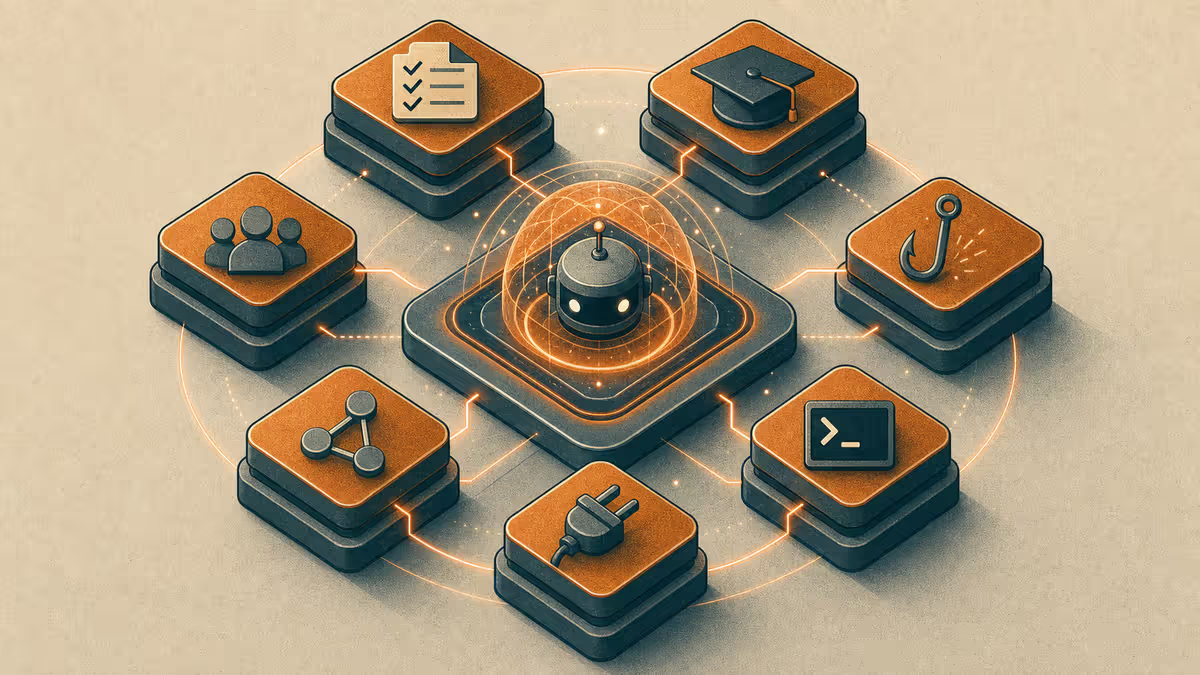
Cursor Customize is the set of levers that shape how the agent behaves: rules, skills, commands, hooks, plugins, MCPs, and subagents. The point is not a prettier IDE. It is one agent interface that can switch modes - brainstorm, consulting prep, personal admin, blogging, project memory, shipping - without you re-teaching the same preferences every Monday.
That is lightweight agent harness design in practice: not a separate microservice, but the files, hooks, and orchestration that keep behavior consistent across sessions. Customize is how you build that harness inside Cursor. For the full framing, see You already have an AI harness in Cursor and Agent harness memory loop.
Who it is for: Anyone whose week spans more than one kind of work — study, business, personal admin, creative output, or delivery — and who wants one agent interface that carries preferences across context switches instead of restarting every session.
What you will learn: a plain-English map of Customize layers, a week of work modes, how mobile and desktop hand off through notes or agents, harness design in one paragraph, and one afternoon Path A you can run in any chat tool.
TL;DR
- Customize is how you match the agent to the job of the hour, not how you become a full-time developer.
- File memory and habits beat longer chat threads when context switches all week.
- Mobile captures; desktop deepens; handoff notes (or a direct agent session) close the loop.
The pain: one brain, six chat personalities
Most people do not get weaker results because the model is weak. They get weaker results because Monday's brainstorm lives in one tab, Wednesday's proposal in another, and Friday's "remind me what we decided" has no home. Voice drifts. Facts contradict. You paste the same background paragraph until trust in the tool erodes.
 Photo: Nicola Barts on Pexels
The pattern is the same across study, business, and personal work: context without a file.
The fix is not "use a coding IDE." The fix is one agent interface that reads your files and follows your rules - then Customize so each work mode gets the right constraints.
If you still wonder whether Cursor is "for developers," start with Is Cursor only for developers?. This series assumes that answer and focuses on Customize + work modes + mobile handoff.
A week map of modes
Here is how the same agent shows up across a normal mixed week. Each mode is a job, not a new product.
| Mode | What you are trying to finish | What Customize should protect |
|---|---|---|
| Brainstorm | Options, risks, next questions | Explore freely; do not invent facts as decisions |
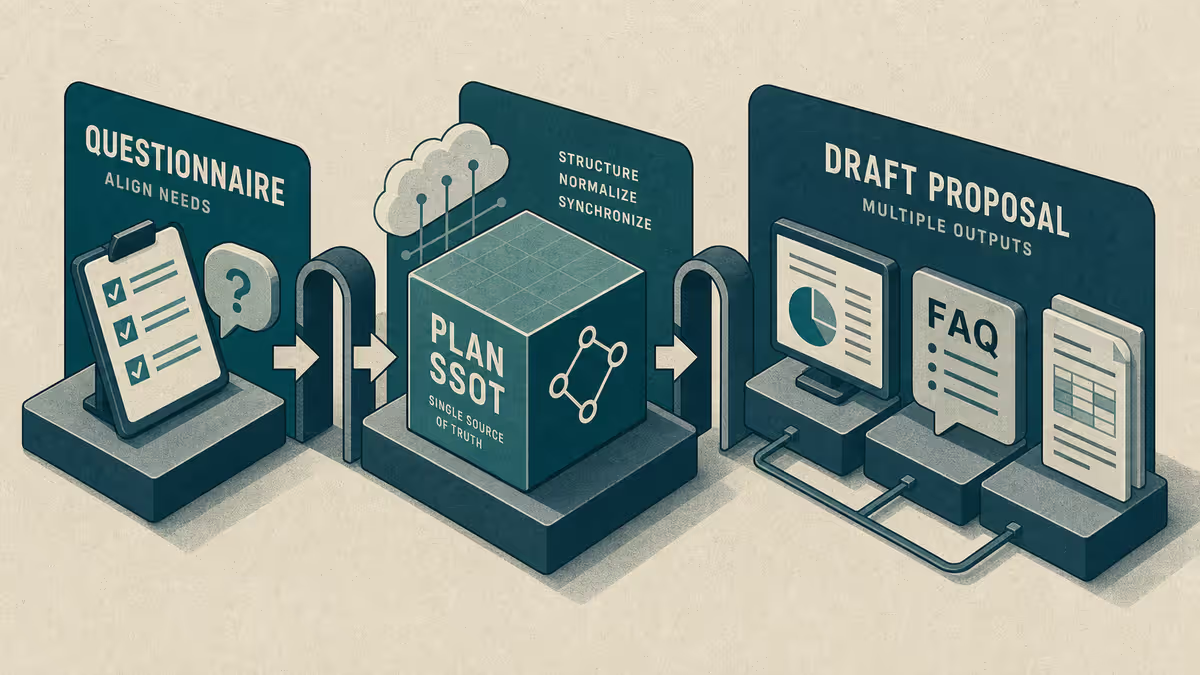
| BD / consulting SSOT | Proposal or plan that stays consistent | Questionnaire and plan as single source of truth |
| Personal agent | Life admin, study plan, follow-ups | Private rules; no leaking into public drafts |
| Petralian blogging | Draft that matches voice and publish gates | Writing rules; drafts stay in vault until ready |
| Project memory (PM) | Continuity across sessions | Bridge / session notes; what changed and what is next |
| Local → GitHub | Directed changes that ship | Light shipping habits; link deeper wiring elsewhere |
You do not need all six on day one. Pick the mode that hurts most this week. The satellites in this series walk each lane.
Customize layers in plain English
Cursor's Customize surface looks technical until you rename each layer by job.
| Layer | Plain job | Example question it answers |
|---|---|---|
| Rules | Standing instructions the agent should not forget | "Always write in first person on my blog." |
| Skills | Packaged how-to for a recurring task | "Run my writing session checklist." |
| Commands | Short, invokable recipes | "Close this session into a handoff note." |
| Hooks | Automatic checks around agent turns | "Warn if the footer or publish gate is wrong." |
| Plugins | Extra IDE capabilities | "Connect a tool I already use." |
| MCPs | Bridges to external systems | "Read or write a connected app when needed." |
| Subagents | Parallel specialists for independent jobs | "Draft the vault note while I fix the script." |
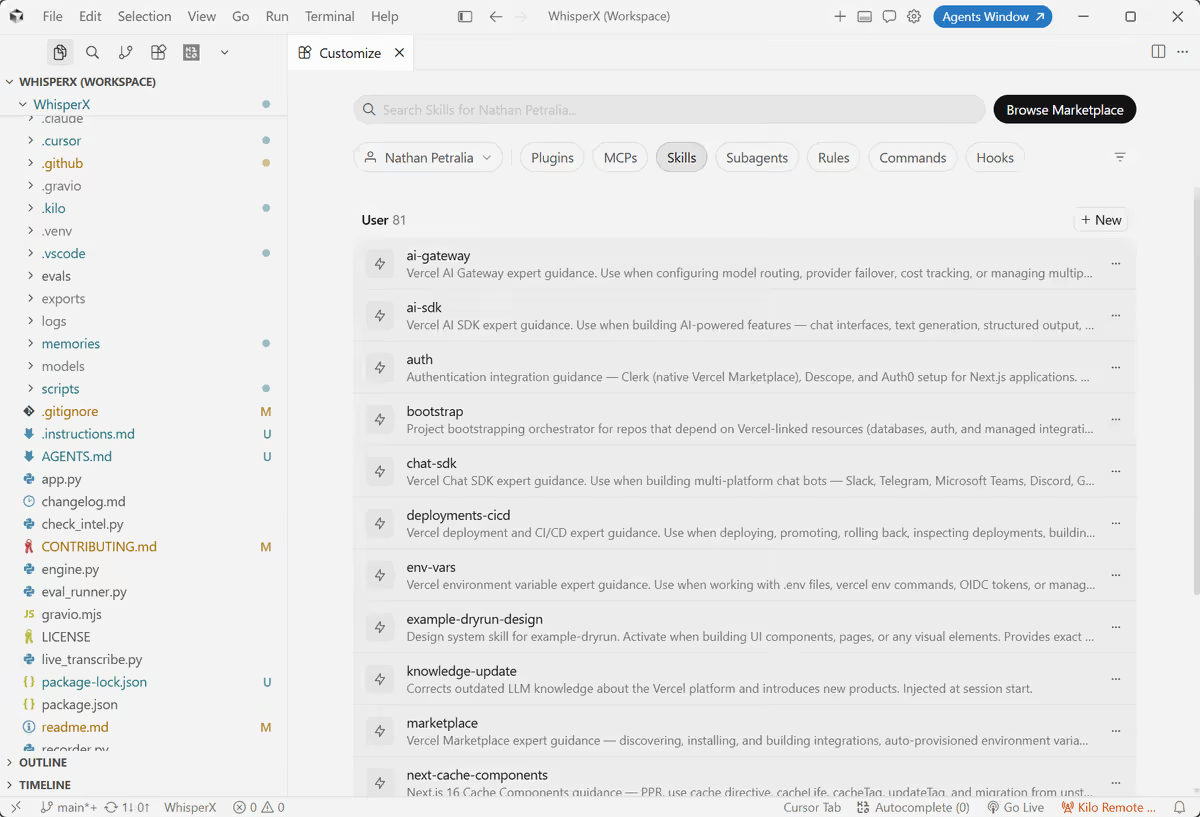 | ||
| Screenshot: Petralian / Cursor (2026) |
You do not turn every layer on for every mode. Brainstorm needs loose rules and strong honesty about unknowns. Consulting SSOT needs tight rules around the questionnaire file. Blogging needs voice and folder gates. Shipping needs review habits, not a second copy of your entire Brain.
Deep wiring (Brain vault, sync, workspaces) lives in the Cursor + Obsidian Brain handbook. This hub stays at judgment level: which layer serves which mode.
Mobile on the move, desk when you land
Cursor on mobile is useful when you are away from the desk: capture an idea, ask a short clarifying question, or continue a thread you already started. It is not a replacement for a file-heavy desktop session.
The handoff that matters is what survives the commute:
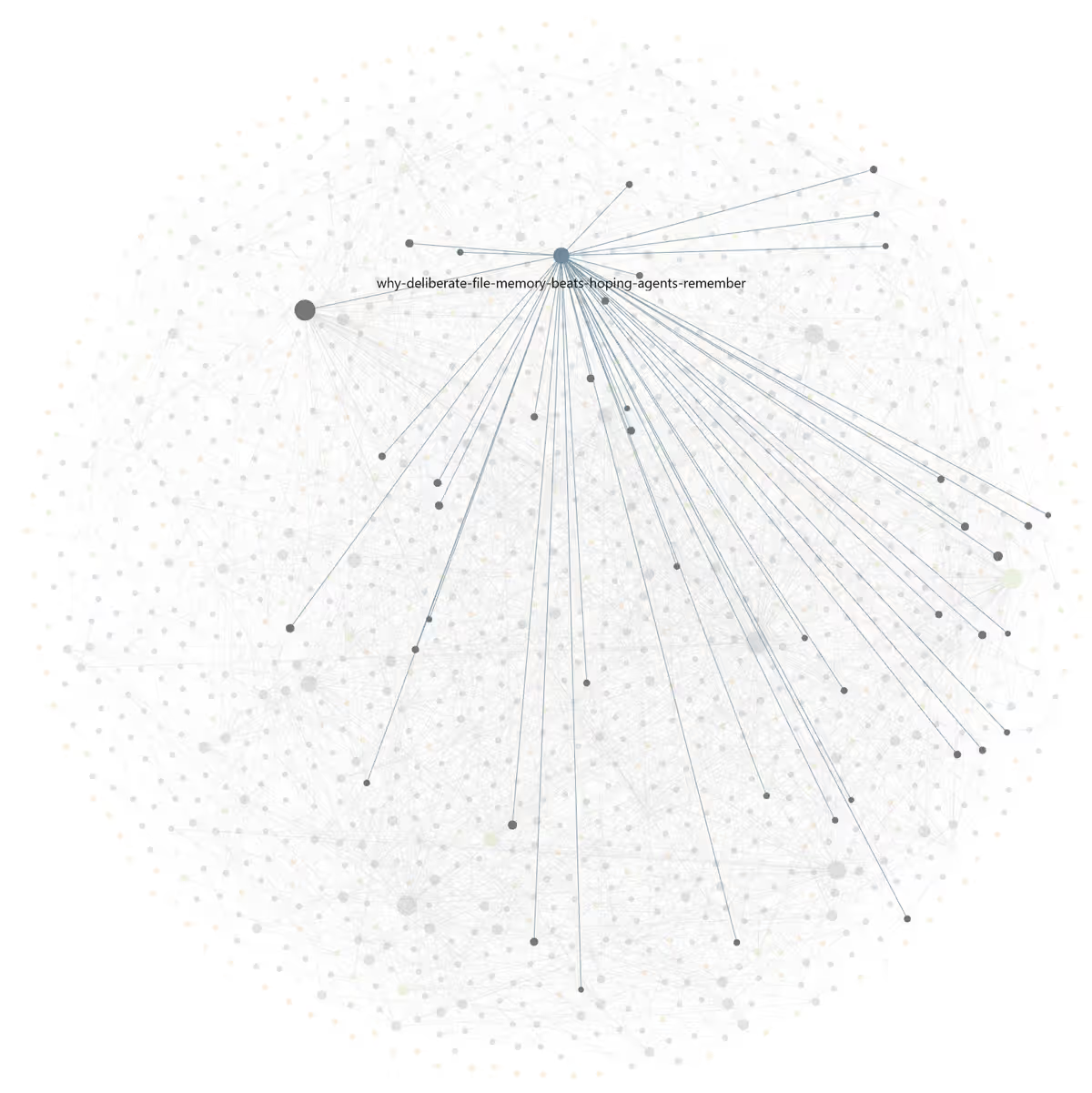
- Via notes / ideas - Drop a short Obsidian (or notes-app) capture: decision, open question, link to the file that is source of truth. At the desk, open that note and resume.
- Via agents directly - Continue the same agent conversation when you are back, or start a fresh session that is told to read the handoff note first.
Either path beats "I will remember." You will not. Files remember.
 Screenshot: Petralian / Cursor (2026)
The deep dive on skills, hooks, orchestration, and the Obsidian loop is Skills, hooks, and orchestration.
Example implementation - how I run it
I use Cursor Customize as a mode switcher, not as a hobby config museum.
- Standing rules carry voice, publish gates, and anonymization for Petralian (my personal site).
- Skills cover recurring jobs (writing session, publish prep) so I do not re-paste checklists.
- Hooks catch footers and risky publish paths after agent turns.
- Subagents split independent work (vault draft vs repo script) when a request has two deliverables.
- For a consulting opportunity, a collaborator and I drive a questionnaire that becomes the SSOT for the business plan - so strategy text stays consistent as drafts evolve. Details: Business development SSOT.
- On the phone I capture; at the desk I deepen against files. I do not claim to hand-code production systems from scratch - I direct agents, read the result, and accept or reject changes.
That is proof of the pattern, not a requirement that you copy my stack.
Path A - afternoon test in any chat tool
You do not need Cursor to practice the judgment.
- Name three modes you already use AI for this week (for example: study plan, client email, personal admin).
- Create one handoff note per mode with three headings: Goal, Decisions so far, Open questions.
- Before you close any chat, paste the update into that note - not into a new tab title.
- Tomorrow, start the next chat with: "Read this handoff note and continue from Open questions."
If that alone reduces re-explaining, Customize in Cursor will feel like an upgrade of the same habit - not a new religion.
Where to go next in this series
| Part | Read when |
|---|---|
| Brainstorm and personal agent | Ideas and life admin keep colliding in one tab |
| Business development SSOT | Proposals and plans contradict each other |
| Blogging and project memory | Publishing and session continuity matter |
| Local develop and GitHub | You ship directed changes and want light shipping habits |
| Skills, hooks, orchestration | You are ready for the memory machine + mobile loop |
Limitations
Customize does not replace judgment. A rule that is wrong surfaces faster, not quieter. Mobile sessions still lose nuance without a handoff file. MCPs and plugins add surface area; turn them on when a mode needs them, not because the catalog is long. Confidential work stays anonymized on the public blog - patterns only.
Reader action
Pick one mode from the week map. Write a five-line rule for it. Run Path A once. Then open the satellite that matches the mode that still hurts.
Weekly email with new posts on enterprise AI and how teams ship it.
One email per week. Unsubscribe anytime.