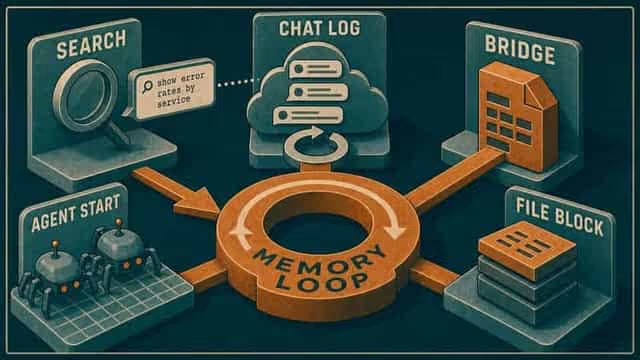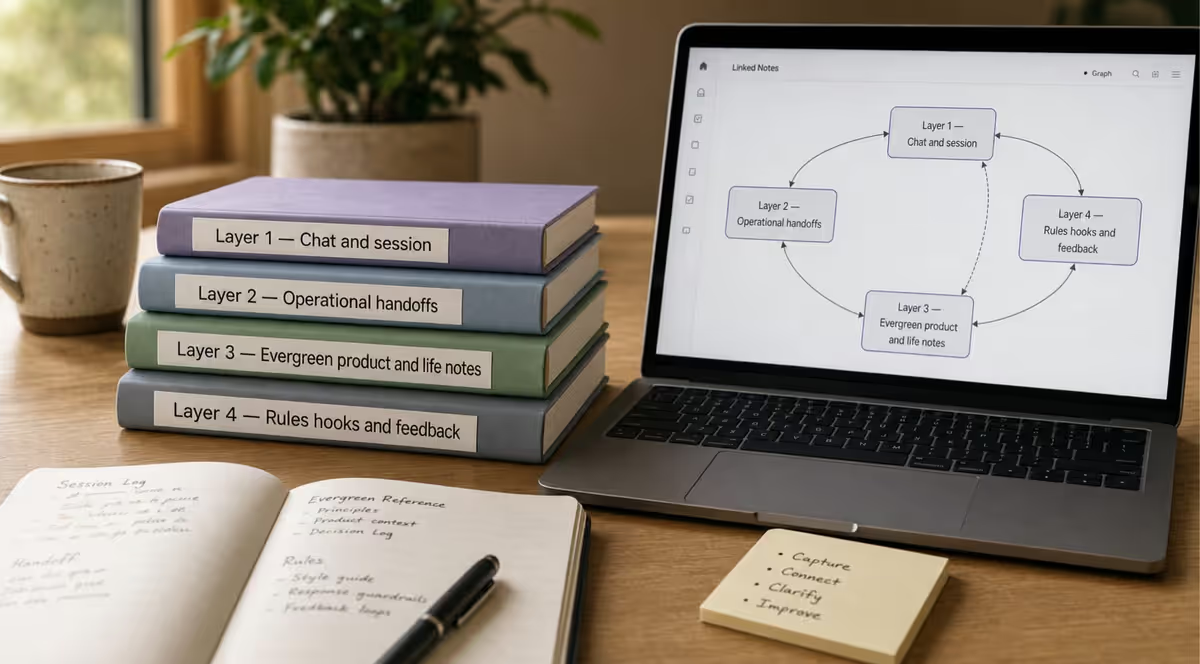
External Memory Series (5): Hub · 1 Implementation · 2 Productivity · 3 vs the diagram · 4 Governance · 5 Standup Bridge (this article)
TL;DR
- Standup updates that live only in speech disappear before the next agent session.
- A Session Bridge file with standup fields gives humans and agents the same priority, blockers, and owners before anyone opens a chat tab.
What standup was supposed to fix
Every delivery team I have worked on ran some version of daily standup. Three questions: what I did, what I will do, what blocks me. Fifteen minutes. Everyone aligned. Back to work.
In practice, standup aligned the people in the room. By Monday, the room was gone.
I have watched the same pattern on retail programs, agency retainers, and internal product work. Friday standup ends with a clear blocker: legal needs to sign off before the campaign goes live. Monday morning someone drafts a status email and writes "waiting on legal" without a name, a date, or the decision that was actually made. The PM scrolls Slack. The tech lead opens Jira and reads ticket titles. Someone says, "I thought we deprioritized that API work," and three people remember three different sprint goals.
Nobody was lazy. Standup did its job for synchronous humans. It was never designed to be memory for the person who was not there, or for the tool that starts with a blank chat window.
That gap mattered before AI. It matters more now.
When the assistant joins standup
Add an AI assistant to the same program and the old failure mode gets faster.
You open a chat tab Monday to draft a steering update. The agent has no recording of Friday standup. It has ticket subjects, maybe a long Slack thread, and whatever you paste in the prompt. It will sound confident. It will also re-open settled questions, miss the blocker owner, or suggest work the team already parked.
Transcript search and longer context windows help after you know what to look for. They do not replace a single place that says: here is what still matters this week.
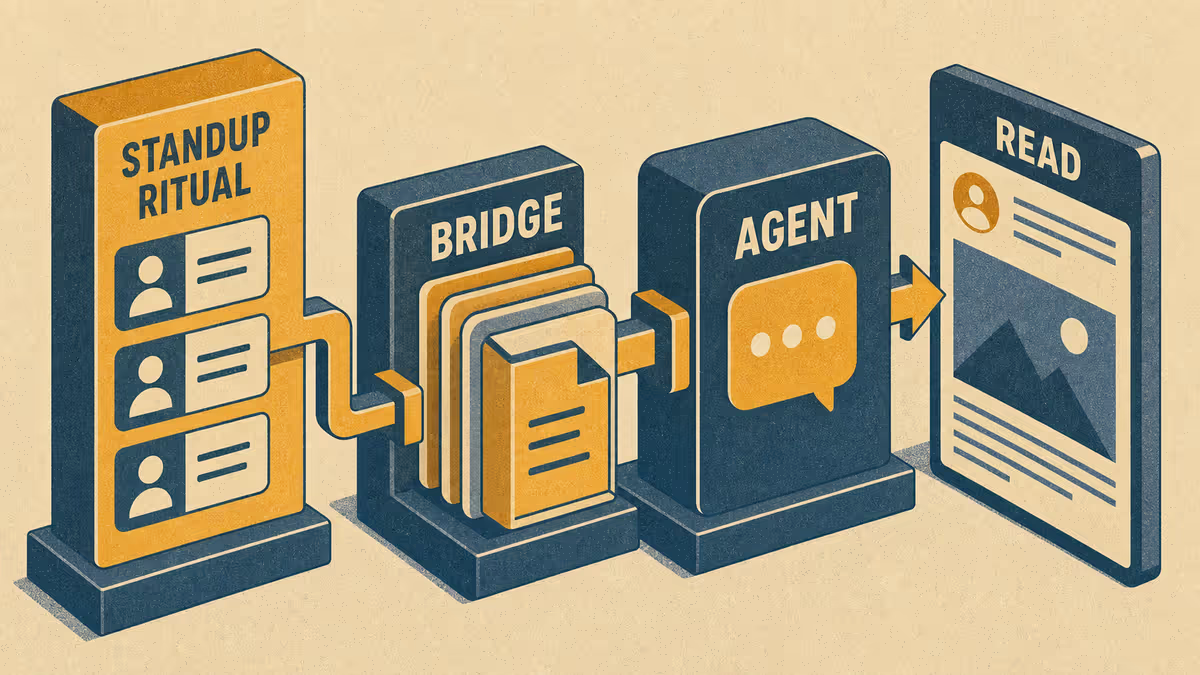
That place is what I call a Session Bridge file: one short markdown note, updated after standup, that humans and agents read before they act.
Who it is for: Delivery leads, Scrum Masters, and PMs who already run standup and now use AI for status drafts, risk scans, or implementation. Jira stays the backlog. Bridge holds intent and narrative in plain language.
What you will learn: why standup alone is not enough, what to put in Bridge, a five-minute ritual after standup, and Path A if you do not use Cursor or Obsidian.
Why spoken standup does not survive the week
Standup works when everyone heard the same sentences at the same time. It breaks down when:
- Updates stay in speech and never land in a file someone will open tomorrow.
- Blockers get discussed but not assigned with owner and needed-by date.
- Priority shifts in the meeting but nowhere records the new line one.
- A teammate in another timezone reads Slack fragments and fills the gaps themselves.
- An agent starts cold and treats ticket titles as the program brief.
You already fix parts of this with discipline: RAID logs, sprint goals in Jira, Confluence pages. Those tools are built for tracking work. Bridge is built for current intent: what the program means this week, in one screen, before anyone opens a chat tab.
What a Session Bridge is
A Session Bridge is the handoff file I keep between work sessions. For program delivery, I treat it as the standup digest agents read first: not a transcript, not a wiki, not a copy of the backlog.
| If you use… | Bridge is not… | Bridge is… |
|---|---|---|
| Daily standup | A replacement for the meeting | What gets promoted five minutes after |
| Jira / Asana | Another backlog | One paragraph of priority + links |
| Slack | A thread dump | Blockers, owners, decisions in one place |
| AI chat | Memory in the scrollback | What the agent reads before it drafts |
This article is about team ritual: which fields belong in Bridge when humans and agents share the same program. For how Bridge differs from searching old Cursor transcripts, see conversation search vs Bridge.
If you are following the External Memory series, Bridge sits in operational memory: the layer between "what we decided" and "what we ship this week." You do not need that map to use the template below. It helps when you are wiring rules so agents always read the same path at session start.
Bridge fields for delivery leads
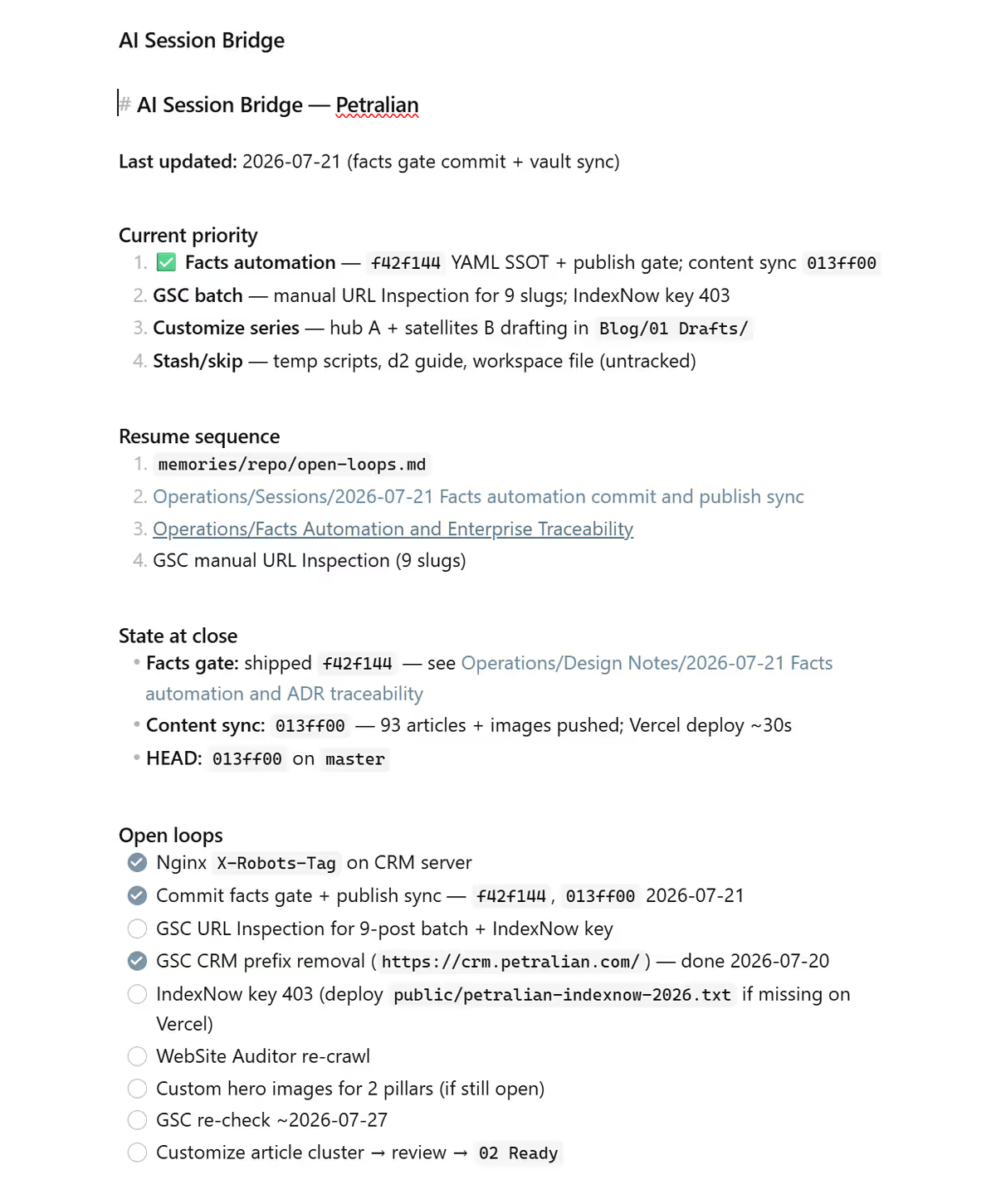 Screenshot: Petralian / Obsidian Session Bridge (2026)
| Bridge section | Standup input | Agent use |
|---|---|---|
| Current priority | Sprint goal in one paragraph | Scopes all suggestions |
| Since last session | Yesterday's done (3 bullets max) | Avoid duplicate work |
| Next | Today's intent per stream | Routes tasks |
| Blockers | Impediments + owner + needed-by | Surfaces escalation |
| Decisions | Committed calls since last standup | Prevents re-litigation |
| Open loops | Unresolved questions | Flags human follow-up |
| Links | Jira epic/key, deck, RAID row | Grounds without mirroring backlog |
Keep each section short. Bridge is a standup digest, not a wiki.
Ritual: five minutes after standup
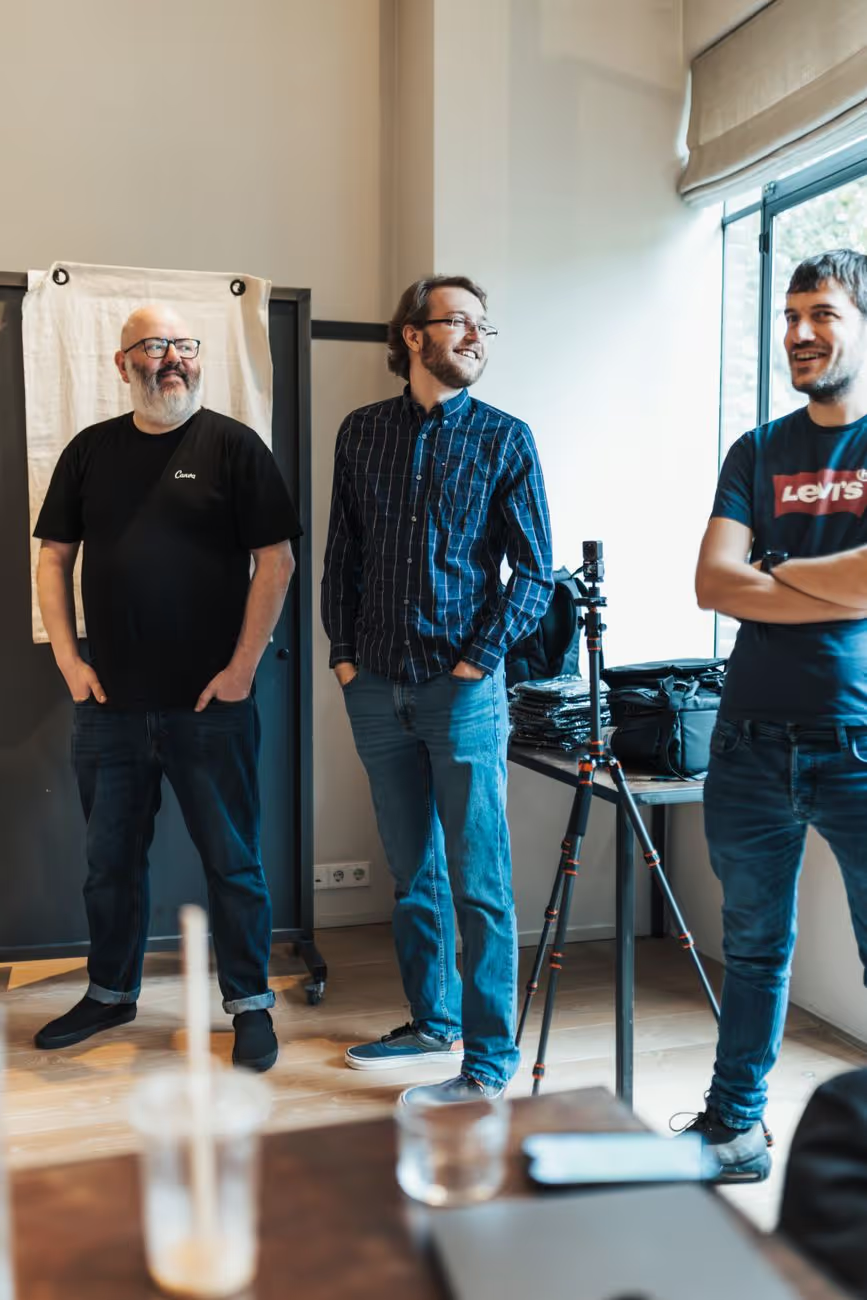 Photo: Matheus Bertelli on Pexels — Petralian (2026)
- Within five minutes: delivery lead (or rotating scribe) updates Bridge. One owner per blocker. Link ticket keys; do not paste full ticket bodies.
- Before anyone opens an agent: Bridge is current. Agents read Bridge before drafting status email, RAID update, or code.
- Weekly: trim
Since last sessioninto Session Summaries or program notes so Bridge stays one screen.
Accountable (A in RACI) stays human for priority and commitments. Agents propose; they do not own the standup file without review.
Example implementation: how I run it
I keep Operations/AI Session Bridge.md in my project vault and point session rules at it. After standup on client or product work, I update Current priority and Blockers before any agent task. When an agent suggests a scope change, I ask: "Does this match Bridge?" If not, Bridge wins or I update Bridge explicitly.
The habit is the same one I would want from a good PM on a pre-AI program: one scribe, five minutes, one source. The agent did not create the need. It raised the cost of skipping the scribe.
This pairs with the Knowledge Work Engine PM model: Jira for flow, Bridge for what the program means this week.
Bridge vs transcript search (one line)
Search finds what was said. Bridge states what still matters. Use search for archaeology; use Bridge for standup state. Do not make agents grep standup recordings when five structured lines would do.
Path A: Google Doc standup Bridge
- Create
Program Bridgedoc with the six sections in the table above. - Assign a rotating scribe for one sprint.
- Rule: no agent-assisted status draft until Bridge is updated post-standup.
- End of week: archive
Since last sessionbullets into a running log doc.
No Obsidian or Cursor required. You tested whether file discipline beats another standup tool integration.
Limitations
Bridge does not replace Jira, Confluence, or RAID logs. It drifts if the scribe skips updates on busy days. Distributed teams across time zones may need async standup comments promoted into Bridge, not left in Slack. Agents can still misread if Bridge is vague ("make progress on API").
FAQ
What is an AI Session Bridge file?
A single markdown standup digest for agents: current priority, blockers, verified facts, and what not to redo. Update it each session.
How is Bridge different from conversation search?
Conversation search finds past chat. Bridge states current intent; agents should read Bridge before grepping history.
How often should Bridge be updated?
At session start and whenever priority or verified facts change materially—not every micro-edit.
What should never go in Bridge?
Secrets, unverified metrics, and long narrative—link to Feature notes or YAML instead.
What to do next
Add Blockers + owner + needed-by to your existing Bridge or create the six-section template. Run one sprint where agents may not run until Bridge is post-standup current. Measure whether Monday agents stop re-asking questions the team already answered on Friday.
Weekly email with new posts on enterprise AI and how teams ship it.
One email per week. Unsubscribe anytime.