Memory cluster: Harness memory loop · Brain handbook · Deliberate file memory
Cursor agent transcript search vs a Bridge file
Cursor conversation search (Cmd+K in the agent UI) lets you query past turns inside a project: names, decisions, phrasing you used last Tuesday. A Bridge file is a single markdown SSOT that states current goal, what changed, and what is next — written for the next session, not for archival search.
They solve different layers of the same problem: chat amnesia between sessions and context blur inside long threads.
Who it is for: Anyone who already uses Cursor across multiple days or devices and needs a clear rule for when to search old transcripts versus when to maintain one handoff file.
What you will learn: what transcript search is good at, where it weakens, how a Bridge file complements search, and a minimum Bridge template you can run in Obsidian, Google Docs, or a git repo.
Why both exist
Transcript search answers: What did we say?
A Bridge file answers: What still matters?
Those are not the same question. Sessions generate a lot of speech that was useful in the moment and stale by Friday. Search faithfully retrieves stale content. Without curation, you re-import noise and call it memory.
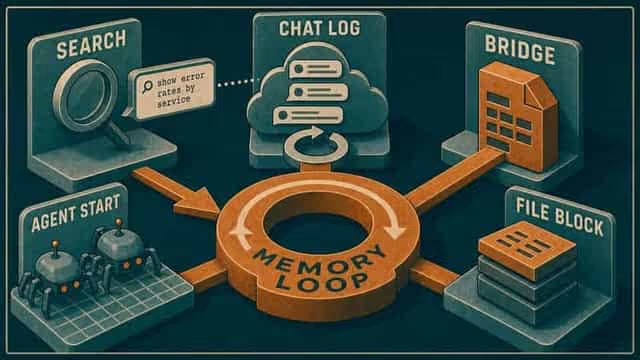
The memory loop teaching line still holds: capture, orient, act, close, resume. Search helps during act. Bridge files own orient and resume.
When transcript search wins
| Situation | Why search helps |
|---|---|
| You remember a phrase, not a decision | Full-text retrieval across turns |
| Forensics on a long technical thread | Exact tool output or error text |
| Same-week continuity inside one workspace | Faster than opening vault notes |
| "Did we already try X?" inside the project | Surfaces prior attempts |
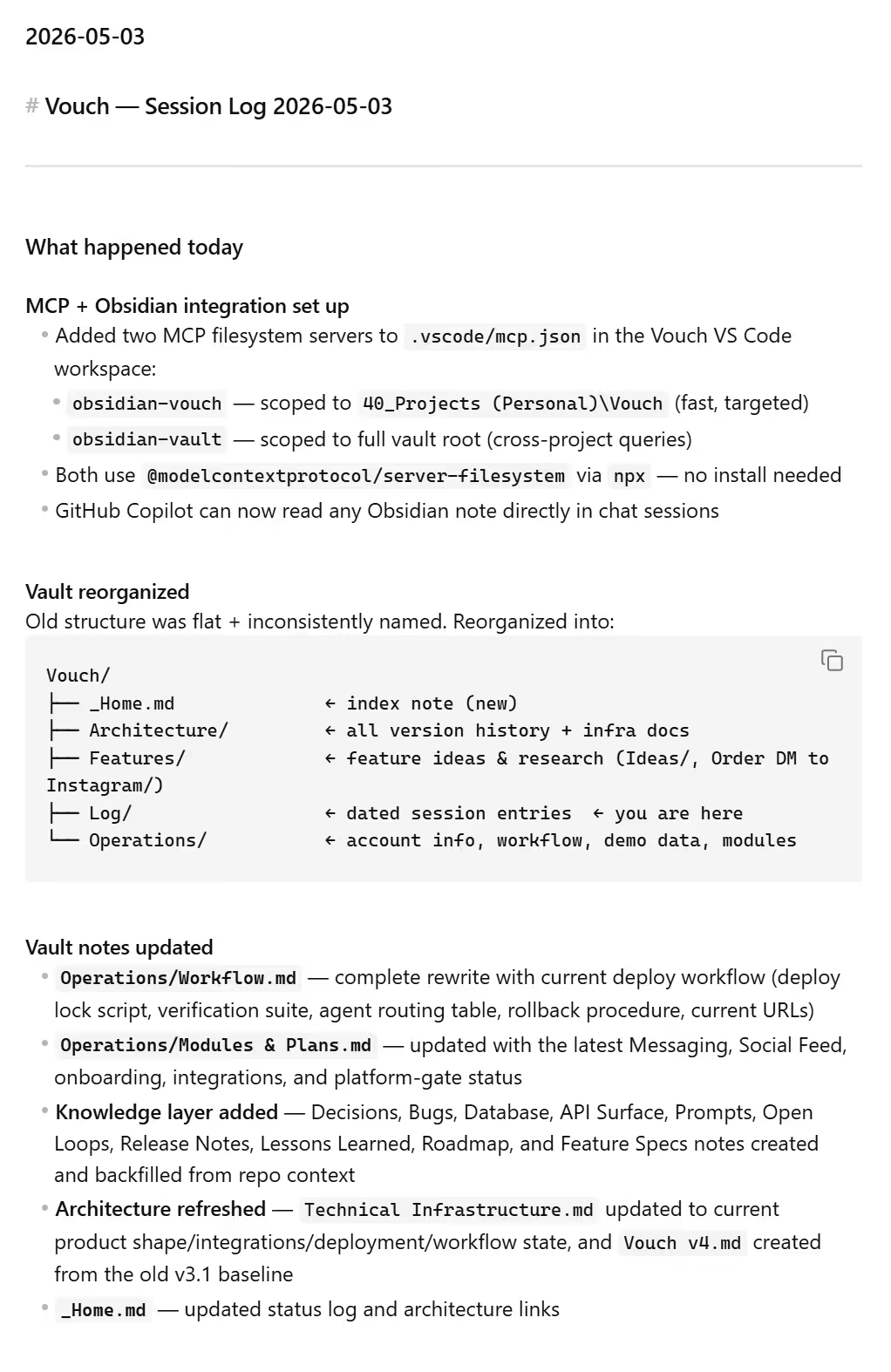 | |
| Screenshot: Petralian / Cursor (2026) |
Search is strong for recall inside the chat record. It is weak as a governance layer. It does not tell you which of three conflicting answers is current policy.
When a Bridge file wins
| Situation | Why Bridge wins |
|---|---|
| Monday picks up Friday's intent | Curated state, not scrollback |
| Mobile capture → desktop agent | Phone writes Bridge; Cursor reads it |
| Multiple people or future you | Plain language status anyone can skim |
| Mode switches (blog vs client vs study) | One page per initiative, not one chat |
| Vendor or model change | Markdown survives tool churn |
This is the same argument as external memory: files you control beat hope that the product remembers.
Example implementation — how I run it
I keep an AI Session Bridge note per active initiative in Obsidian (generic name: Operations/Bridge.md in any project). Cursor rules point the agent at Bridge on session start. Transcript search is for when I need the exact wording of a tool result or a forgotten branch inside the same workspace.
Bridge sections stay short:
- Goal — one paragraph max
- Last session — three bullets: shipped, blocked, open questions
- Next action — one line a tired future me can execute
- Links — vault paths or repo areas, not chat URLs
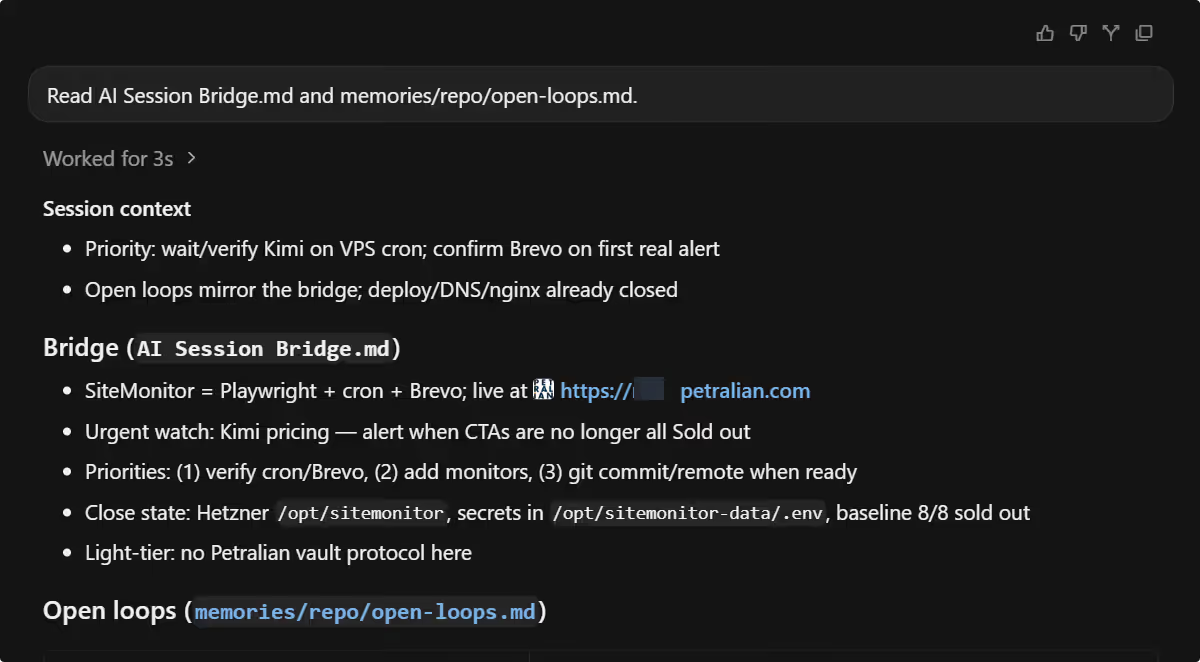 Screenshot: Petralian / Obsidian (2026)
The Brain handbook covers workspace layout. This post is the decision rule: search for archaeology; Bridge for navigation.
I do not paste entire transcripts into Bridge. That recreates the noise problem in a file. I paste decisions.
Pairing search and Bridge (recommended)
Use this sequence:
- Start — agent reads Bridge (and open loops if you keep them).
- Work — main thread + side chats as needed.
- Stuck — transcript search for a lost detail inside the project.
- Close — update Bridge; optional one-line append to session summaries.
- Resume — new session reads Bridge first; search only if Bridge is thin.
Hooks can nudge step 4. Rules can require Bridge read at step 1. Search does not replace either; it is the optional magnifying glass.
For Customize wiring, see skills, hooks, orchestration and the Customize hub.
Limitations
Transcript search is bounded by what Cursor indexed and how long you keep history. It is not a compliance archive.
Bridge files require a close habit. Skip close-out three times and Bridge rots — same as any SSOT.
Neither replaces domain knowledge bases (research compilations, legal references). Bridge is operational memory, not knowledge memory. For that split, see the AI memory landscape.
Path A: Bridge without a vault rebuild
Create one markdown file in any tool:
# Bridge — [initiative name]## Goal## Last session (date)- Shipped:- Blocked:- Open:## Next action (one line)Point your next chat at it: "Read Bridge; do not start until you summarize goal and next action." Close every session by editing Bridge only. Try transcript search once mid-week when you forget a detail — notice whether Bridge or search solved it faster.
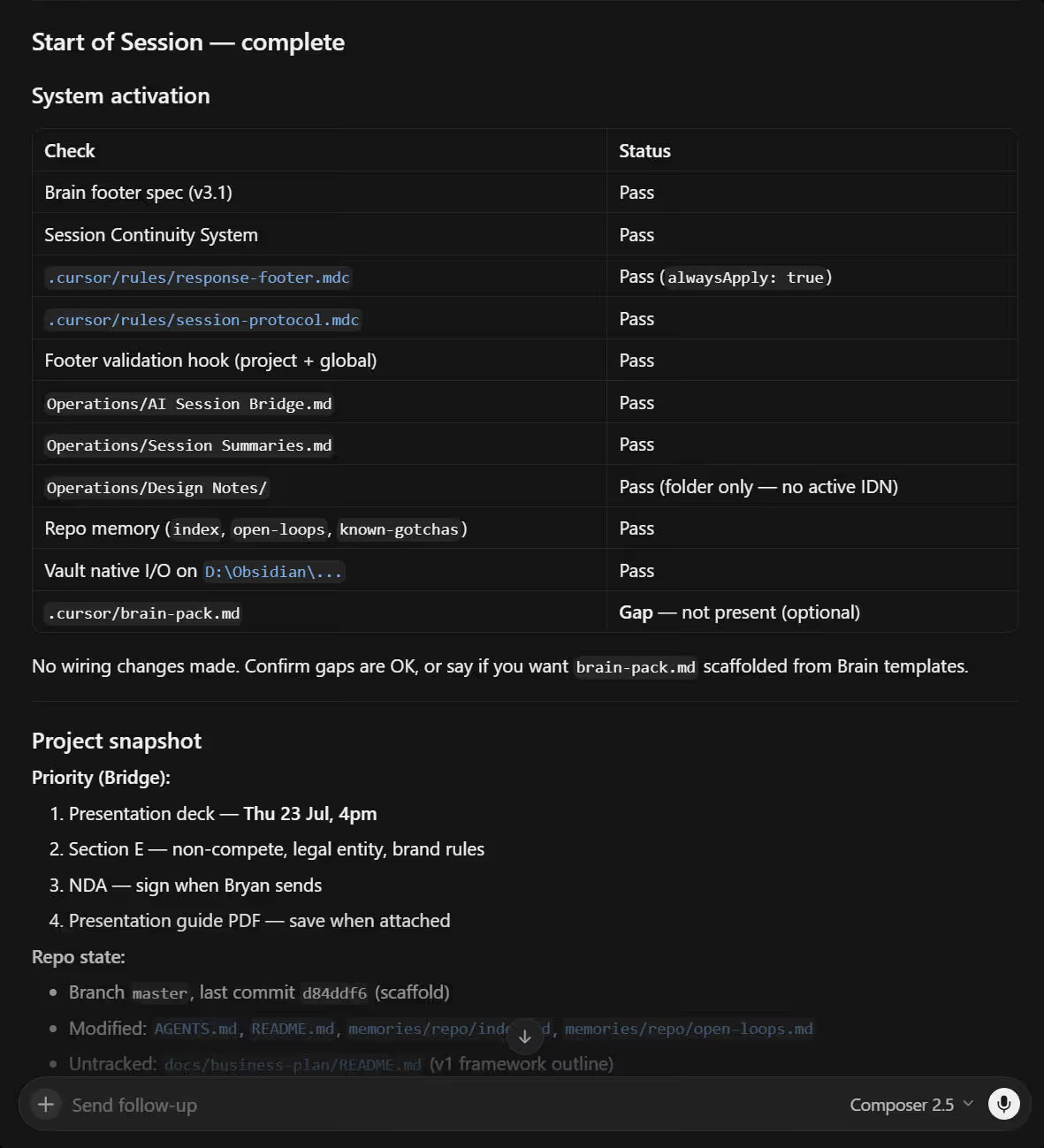 Screenshot: Petralian / Cursor (2026)
What to try this afternoon
Open your longest-running Cursor project. Run transcript search for a decision you care about. If search returns three conflicting answers, that is the signal to write Bridge. One page. Five minutes. Next session starts there.
Related reading
Weekly email with new posts on enterprise AI and how teams ship it.
One email per week. Unsubscribe anytime.