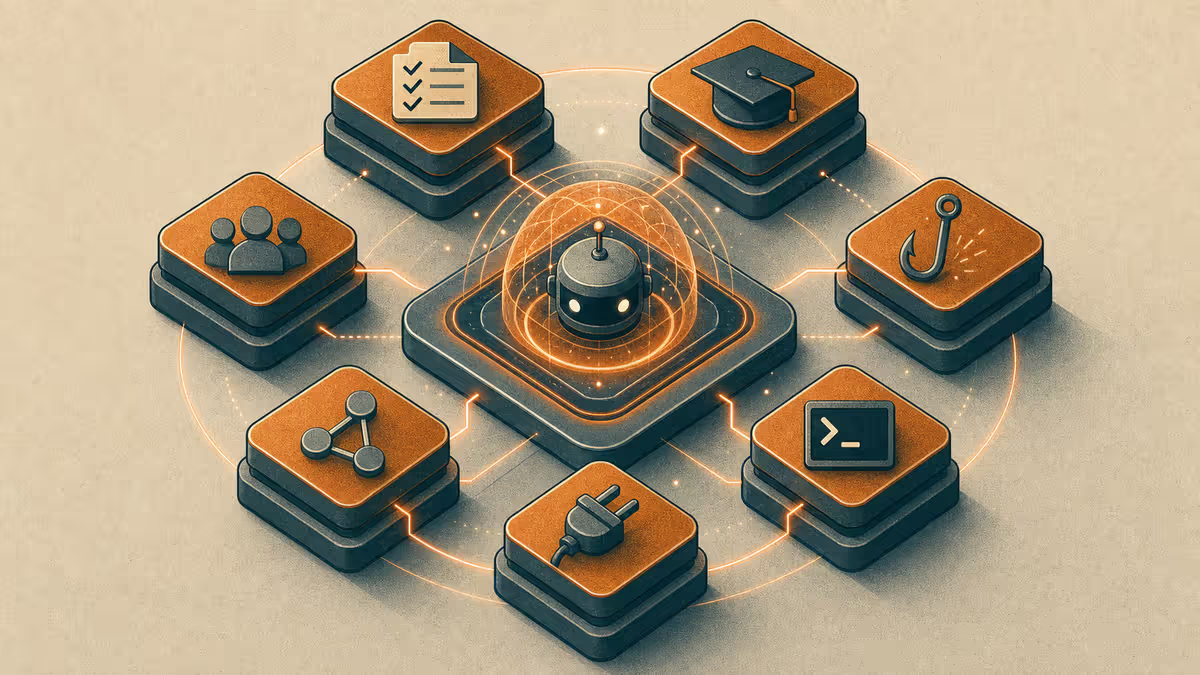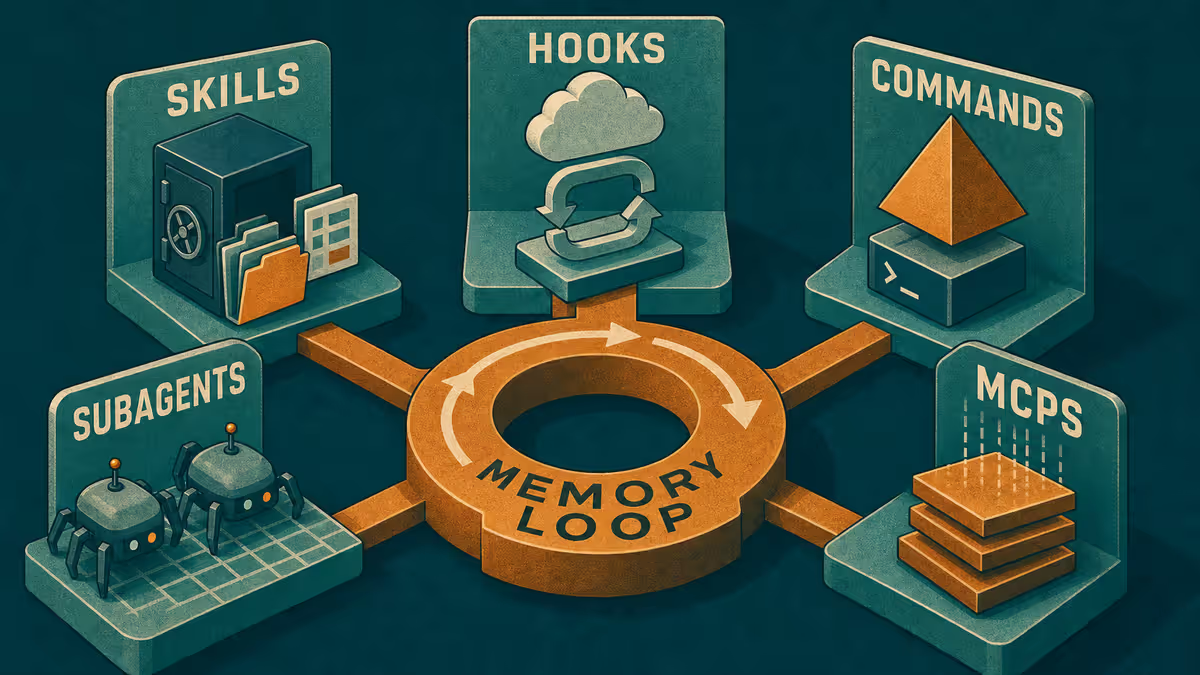
Customize cluster: Hub - One Agent, Many Workflows · Skills, hooks, orchestration · Is Cursor only for developers?
What are Cursor side chats?
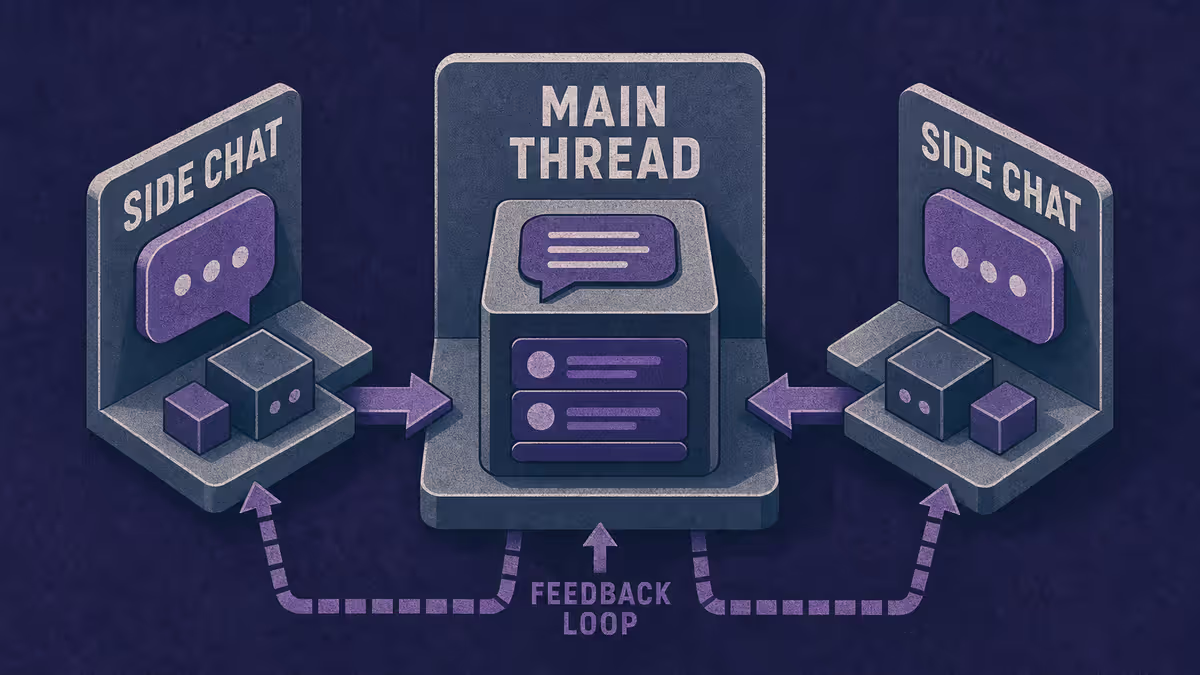
Cursor side chats are parallel conversation threads inside one agent session. In Cursor 3.11 you can branch with commands like /side and /btw so a quick tangent does not overwrite the main line of work. The main thread keeps its goal; the side thread handles the detour.
Who it is for: Anyone who runs long agent sessions across study, business, or delivery work and needs a fast way to ask a side question without polluting the primary task or starting a brand-new chat from zero.
What you will learn: when side chats beat a new tab, how they differ from subagent parallelism, how I pair them with Customize orchestration and mobile handoff, and a Path A you can mimic in any chat tool.
The pain: one thread, too many jobs
A single agent session works until it does not. You are halfway through restructuring a brief when you need a five-minute definition check. You want to sanity-test a headline without the agent rewriting the whole document. You remember a constraint from last week that belongs in the session but not in the current paragraph.
If you dump everything into one scrollback, context blurs. The agent starts optimizing for the latest message instead of the original goal. Voice drifts. You spend tokens re-stating what still matters.
Starting a fresh chat fixes the noise problem and creates a new one: you lose the file context, the open edits, and the thread that already understood the task. Side chats sit in the middle. They keep the main session anchored while you explore a branch.
Why side chats matter when the agent is already thinking
This is the use case I care about most.
Long agent runs are not silent monologues. The model is mid-plan — exploring files, drafting a structure, running tools — and I often want to steer without derailing the whole job. I need to add a constraint I forgot. Push back on an assumption. Ask for one paragraph of depth on a subsection while the main line keeps its original scope.
Before side chats, I had two bad options:
- Interrupt the main thread — my steer becomes the "latest message," and the agent starts optimizing for my tangent instead of the deliverable.
- Open a new chat — I lose open files, partial edits, and the reasoning trace that already cost tokens.
Side chats give me a parallel lane while the main thread keeps working. I can be more expressive in real time: "hold the headline options — first answer whether this claim is defensible" or "go deeper on section 2 only, do not touch the draft body." The main goal stays pinned; my steering lives in the branch until I merge one line back.
That rhythm matches how I actually direct work — not batch instructions upfront, but course corrections while the agent reasons. Side chats are the UI for that habit.
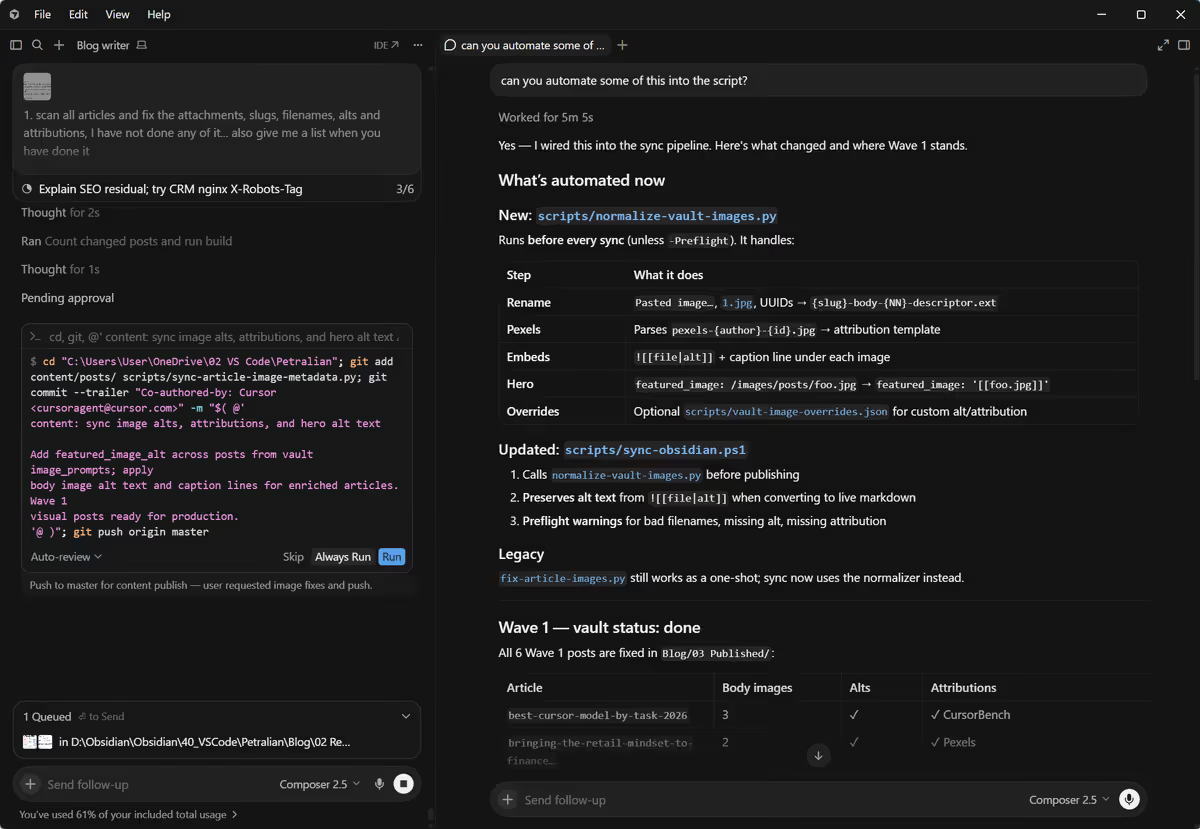 Screenshot: Cursor side chat UI — Petralian (2026)
Side chats vs new chats vs subagents
These three tools solve different problems. Mixing them up is how parallel work turns into parallel confusion.
| Mechanism | Best for | Weak when |
|---|---|---|
Side chat (/side, /btw) | Quick tangent in the same session; same files and rules | Heavy independent deliverables that need separate tool runs |
| New chat | Clean slate; unrelated project | You still need yesterday's decisions in the same files |
| Subagent / parallel Task | Two or more independent outputs (vault draft + unrelated script) | Step B depends on step A in the same file |
Side chats are for questions and small branches. Subagents are for independent work packages. The Customize orchestration deep dive uses the independence rule: parallelize when deliverables do not block each other.
How I use side chats in practice
My default pattern has four beats.
First, I state the main goal once at the top of the primary thread. That line is the anchor. Side branches get a one-sentence scope ("check only", "do not edit files", "answer in three bullets").
Second, I use /btw for interruptions that should return fast: a definition, a policy reminder, a "what did we decide about X?" probe — especially while the main agent is still reasoning and I do not want my question to become the new primary task.
Third, I use /side when the branch might run a few turns but still should not change the main deliverable — extra depth on one section, a tone check, a "compare these two framings" pass while the main thread keeps structuring the piece.
Fourth, I close the branch explicitly. Either I paste the one line that matters back into the main thread, or I file it in a handoff note if I am moving to mobile. The Brain handbook pattern applies: chat is temporary; the Bridge file is what survives the commute.
Example implementation — how I run it: Desktop Cursor holds the main agent line on whatever workspace is active (Petralian blog, Vouch, client work). While the agent drafts or plans, a side chat handles "explain this acronym," "push back on this claim," or "compare two headline options without touching the draft." If I capture something on the phone, it lands in Obsidian first; the next desktop session reads Bridge, not the side thread scrollback.
Tie-in: Customize, orchestration, and mobile handoff
Side chats do not replace harness design. They complement it.
Rules and skills still define voice, publish gates, and session close habits. Side threads inherit those constraints, which is why they beat a random new browser tab.
Hooks still catch process misses on the way out (footer shape, draft folder, required memory updates). A side chat does not exempt you from close-out.
Mobile handoff works best when the main line's state lives in files. Phone captures ideas; desktop runs the heavy agent pass; side chats on desktop handle micro-questions without forking the whole project narrative. That is the same loop described in the Customize hub: one agent, many workflows, one memory system.
Limitations
Side chats still share the same model context budget as the parent session over time. They reduce goal collision; they do not create unlimited memory.
They are a poor fit for work that should be a separate governed mode (public blogging vs confidential client notes). Mode separation belongs in workspace rules and folder gates, not in thread tricks.
They also do not replace human merge on parallel subagents. If two branches both edit the same file, you still need sequencing.
Path A: branch without Cursor
In any chat tool today:
- Open a child note titled
SIDE - <main task>. - Paste only the anchor goal from the parent chat.
- Run the tangent in the child note or a second chat with that paste.
- Copy one line back to the parent: Decision / definition / constraint.
- Archive or delete the side note so it does not become a second SSOT.
You get 80% of the benefit: protected main line, explicit merge step.
What to try this week
Pick one long session you already run (thesis chapter, proposal, research memo). Write the main goal in the first message. Next time a tangent appears, branch with a side chat or a child note instead of steering the whole thread. Close the branch with one line merged back.
If you are also splitting independent deliverables, read the orchestration post and use parallel agents for those, not side chats.
Related reading
- One Agent, Many Workflows — Customize hub and week map
- Skills, hooks, orchestration — when to parallelize subagents
- Cursor + Obsidian Brain handbook — mobile capture to desktop resume
- Is Cursor only for developers? — file-grounded agent interface beyond code
Weekly email with new posts on enterprise AI and how teams ship it.
One email per week. Unsubscribe anytime.