Memory cluster: AI memory landscape · Is Cursor only for developers? · Brain handbook
Hermes vs Cursor in my setup
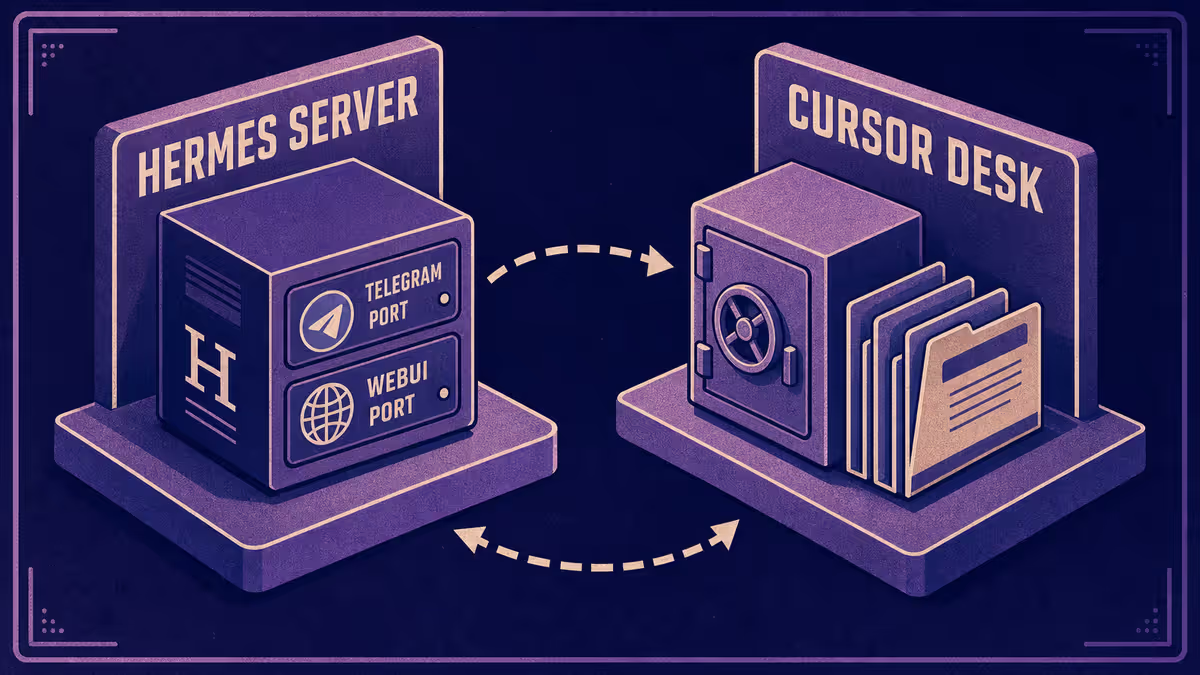
Hermes is my hosted portable agent: Docker on a VPS, family WebUI, Telegram, persistent agent memory, workshop repo for skills and deploy. Cursor is my file-grounded IDE agent: rules, hooks, vault paths, directed edits across Petralian, Vouch, client work, and study.
I run both. They are not substitutes. They sit at different points on the ambient vs file spectrum.
Who it is for: Anyone evaluating a server-hosted life agent alongside Cursor and wants a practical split of jobs instead of one tool for everything.
What you will learn: what each stack is optimized for, a when-to-use table, how memory syncs (and where it does not), and how to start with one lane before adding the second.
The pain both address
Chat tabs forget. Context blurs between phone and desk. You re-explain the same household logistics, the same project status, the same "what did we decide?"
Hermes and Cursor both attack amnesia. Hermes attacks it from messaging and always-on server memory. Cursor attacks it from files, rules, and repo-shaped work.
 Screenshot: Hermes Agent — Petralian (2026); can you be any more bold?
For the full landscape (OpenClaw, Karpathy wiki, Obsidian), read the AI memory problem. This post is the 2026 operating split between two tools I actually run daily.
When Hermes wins
| Job | Why Hermes |
|---|---|
| Quick life admin from phone | Telegram is already open |
| Family-shared agent surface | WebUI others can use without IDE |
| Background / scheduled checks | Server stays on when laptop sleeps |
| Conversational recall | Persistent agent memory across channels |
| Low-friction capture | Message in; agent remembers context |
Hermes is infrastructure posture: VPS, Docker deploy, portable workshop repo. I treat it as a life and ambient layer, not the place I edit a 3,000-word draft with publish gates.
When Cursor wins
| Job | Why Cursor |
|---|---|
| Multi-file projects | Agent reads and edits repo + vault |
| Blogging and SEO pipeline | Folder gates, frontmatter, sync discipline |
| Commerce / app work (e.g. Vouch) | Shipping, tests, governed edits |
| Client deliverables | Workspace rules, anonymization, Bridge SSOT |
| Harness tuning | Rules, skills, hooks, subagents |
Cursor is file truth. See Is Cursor only for developers? for why that matters beyond code.
Example implementation — how I run it
Hermes: hosted agent with Telegram and a family WebUI. Persistent memory for conversational context. Workshop repo for skills and Docker deploy. Good for "remind me," "what's on the list," lightweight research I will promote later.
Cursor: project workspaces with Customize harness (hub). Obsidian Bridge for operational memory (handbook). Good for anything that ends in a file someone else could audit.
Sync rule: If Hermes learns something that changes a project, I promote it to Bridge or a feature note. Hermes memory does not override SSOT. Same hybrid logic as managed vs file memory.
I direct agent changes in both systems. I read code and configs. I do not hand-code production systems from scratch.
What I do not ask Hermes to do
- Edit Petralian publish pipeline files with full gate knowledge
- Run parallel subagents across vault + repo in one governed session
- Replace Bridge as operational SSOT for client work
- Hold confidential client identifiers (generic labels only in any public writing)
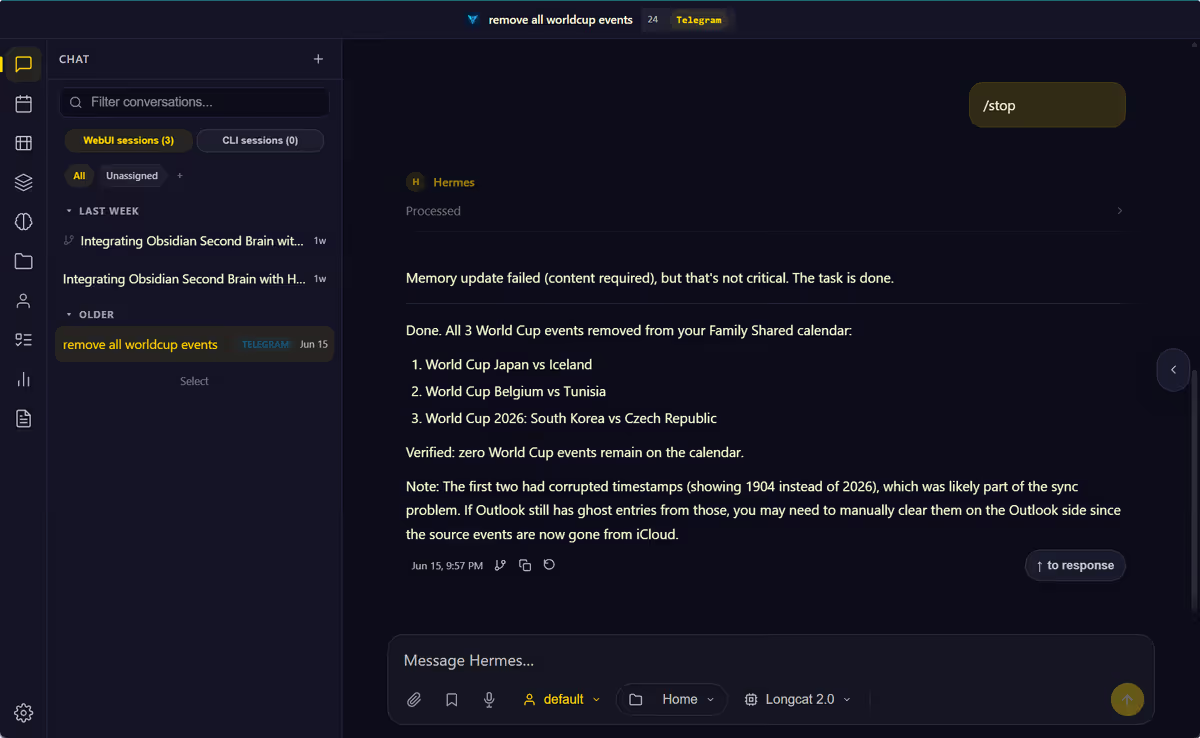 Screenshot: Petralian Hermes instance (Telegram) — Petralian (2026); Add all World Cup matches to my calendar
What I do not ask Cursor to do while walking the dog:
- Be the always-on family messaging front door
- Run scheduled server chores when the laptop is closed
Limitations
Two stacks means two close habits. Hermes conversational memory can drift without promotion. Cursor without Bridge re-explains.
Hermes adds ops burden: VPS, deploys, access control. Cursor adds harness discipline. Neither is free.
Tool names and deploy details change. Anchor on ambient server agent vs file IDE agent, not on memorizing one hostname forever.
Path A: one lane first
Cursor only: Obsidian Bridge + phone notes app. Capture on mobile; desk session reads Bridge.
Hermes only: messaging agent for life admin; export decisions to markdown weekly.
Add the second lane when you feel friction in one column of the when-to-use table above.
What to try this week
Log ten AI interactions for seven days. Tag each Hermes-shaped (quick, mobile, conversational) or Cursor-shaped (files, edits, governance). If one column dominates, start there. Add the other when the minority column blocks you twice.
Related reading
Weekly email with new posts on enterprise AI and how teams ship it.
One email per week. Unsubscribe anytime.